Enhance your recording in your browser.
Studio turns a first take into a clear update. Cut the slow parts, guide the eye, and share the link. Viewers can still watch the original.
One editor. Everything in view.
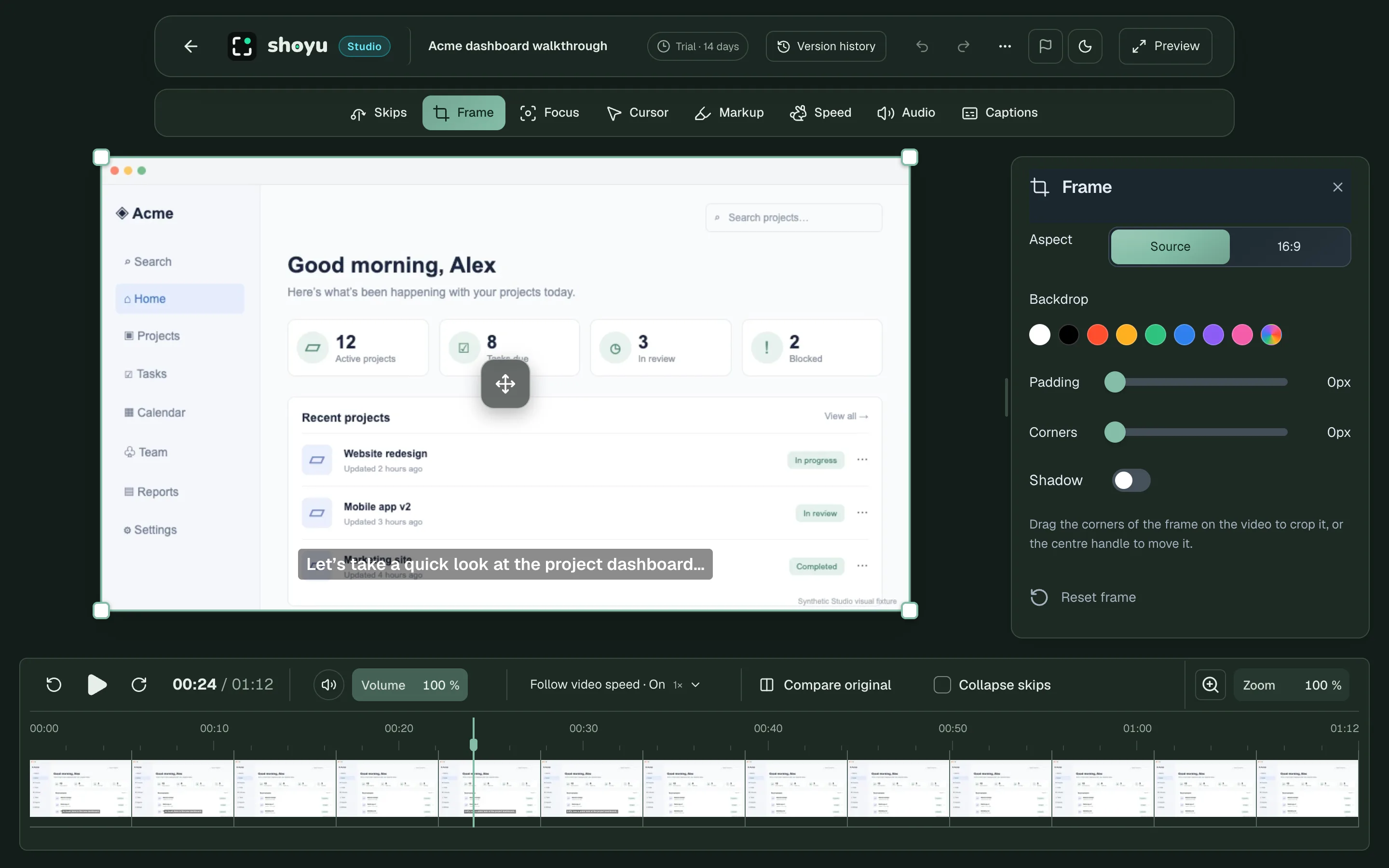
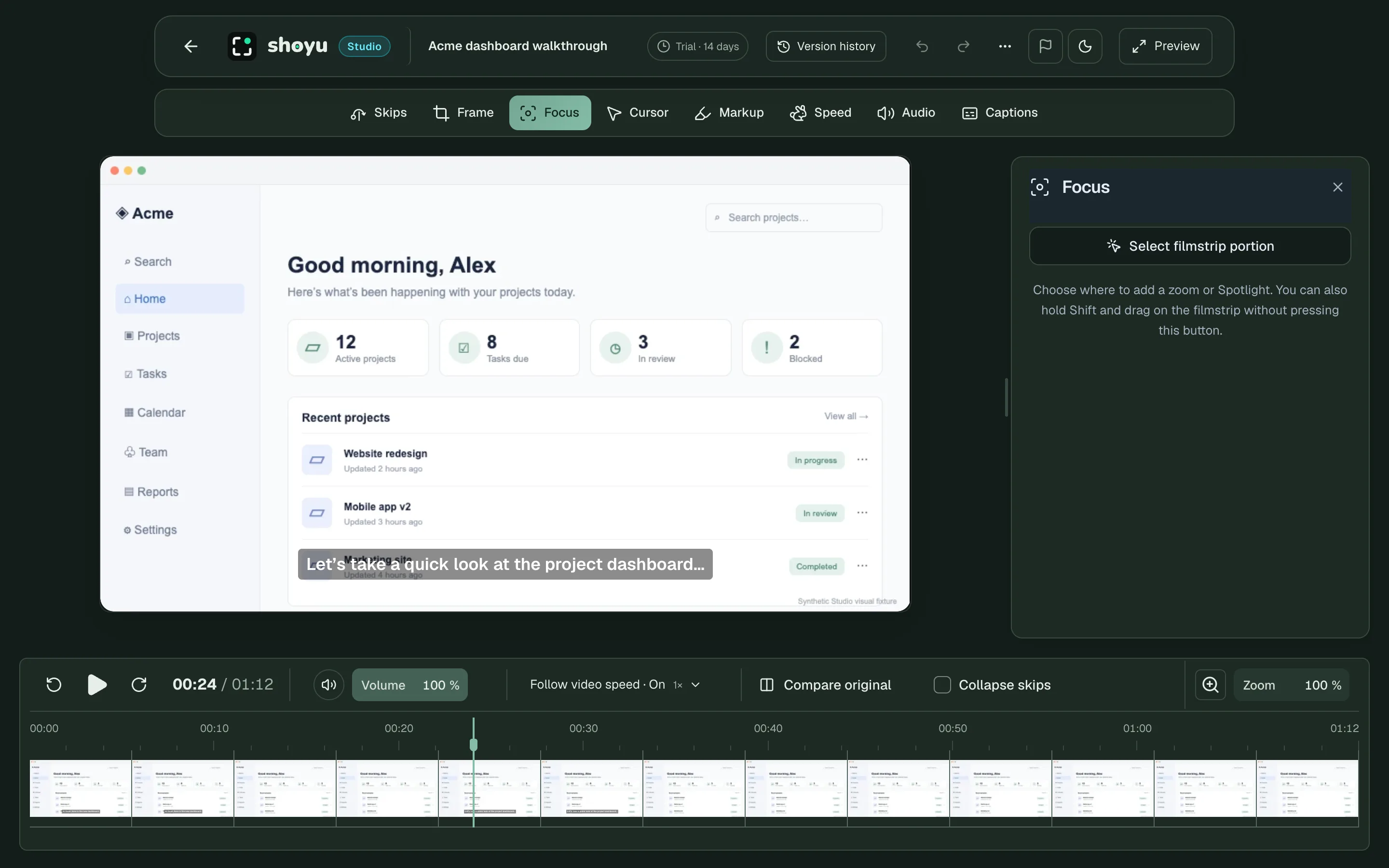
Studio opens in your browser, in the same place you watch. There is nothing to install and no file to export.
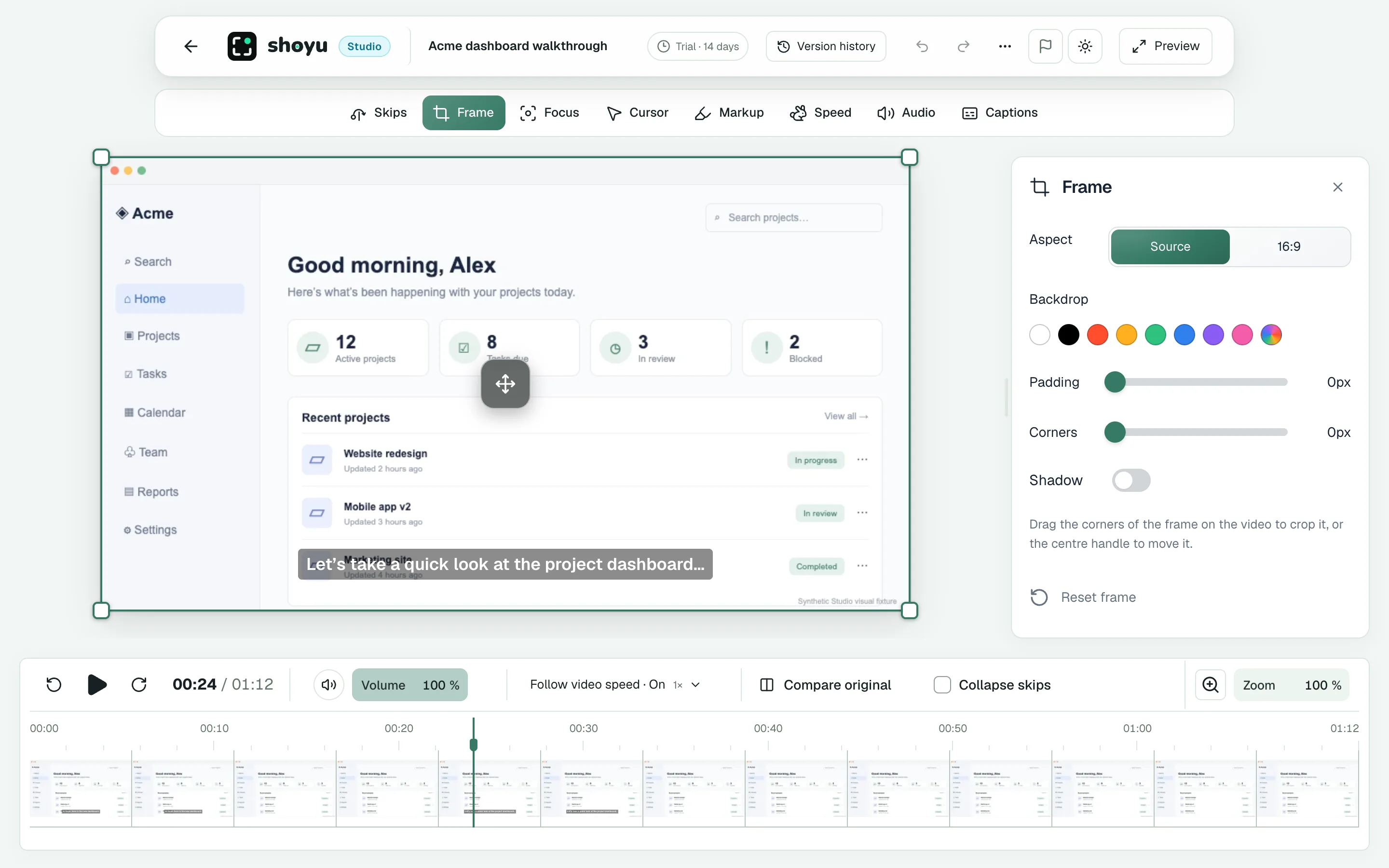
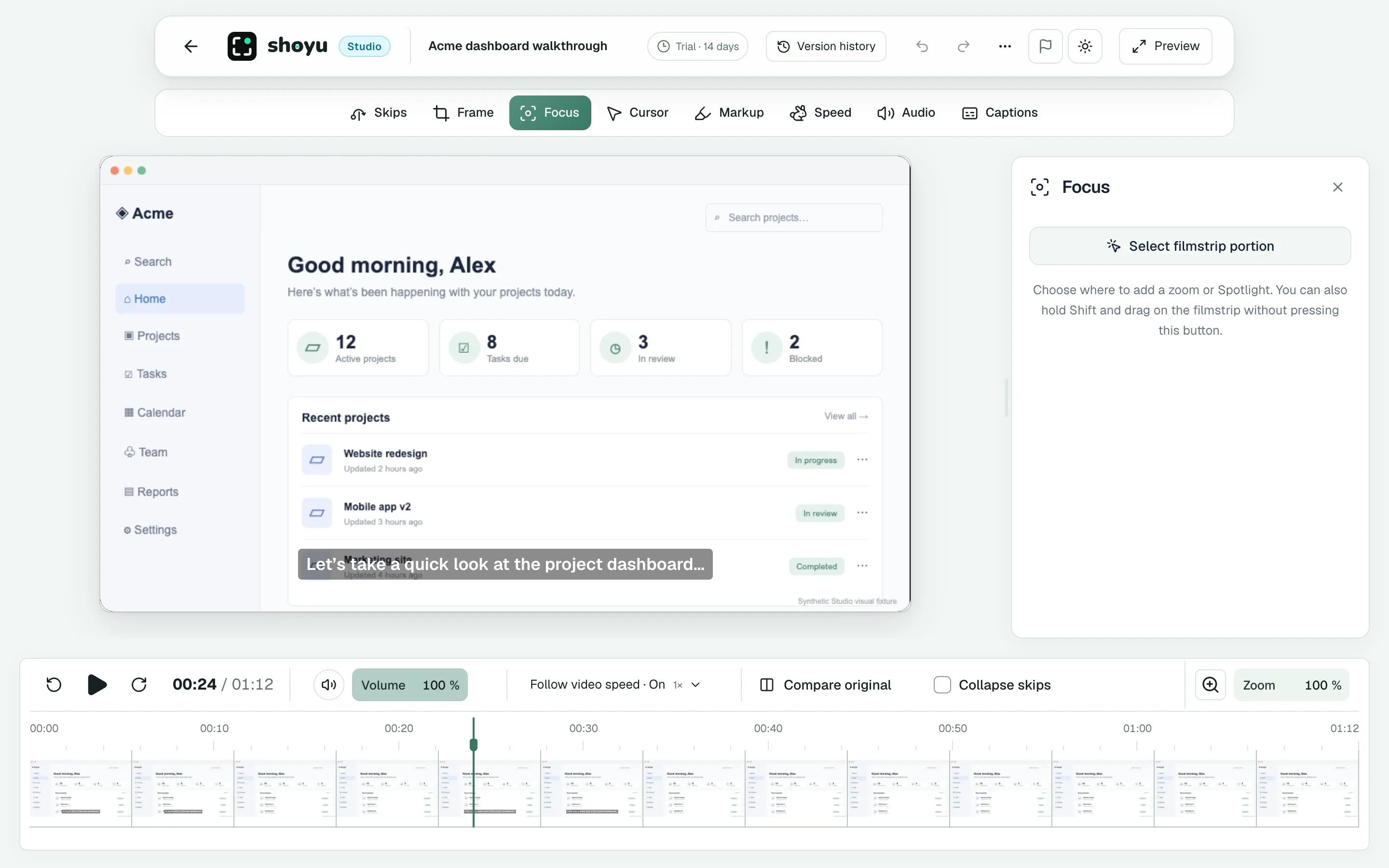
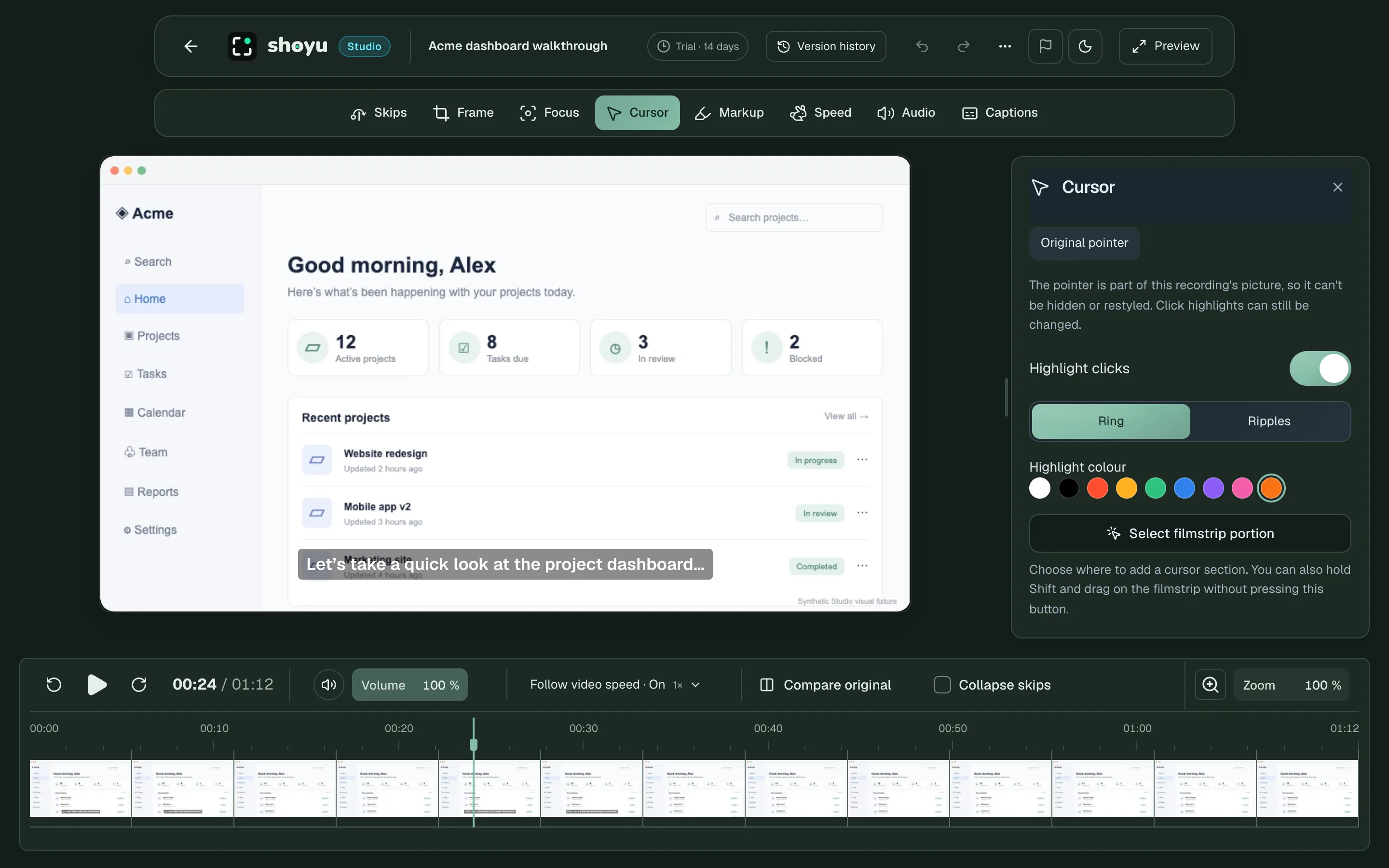
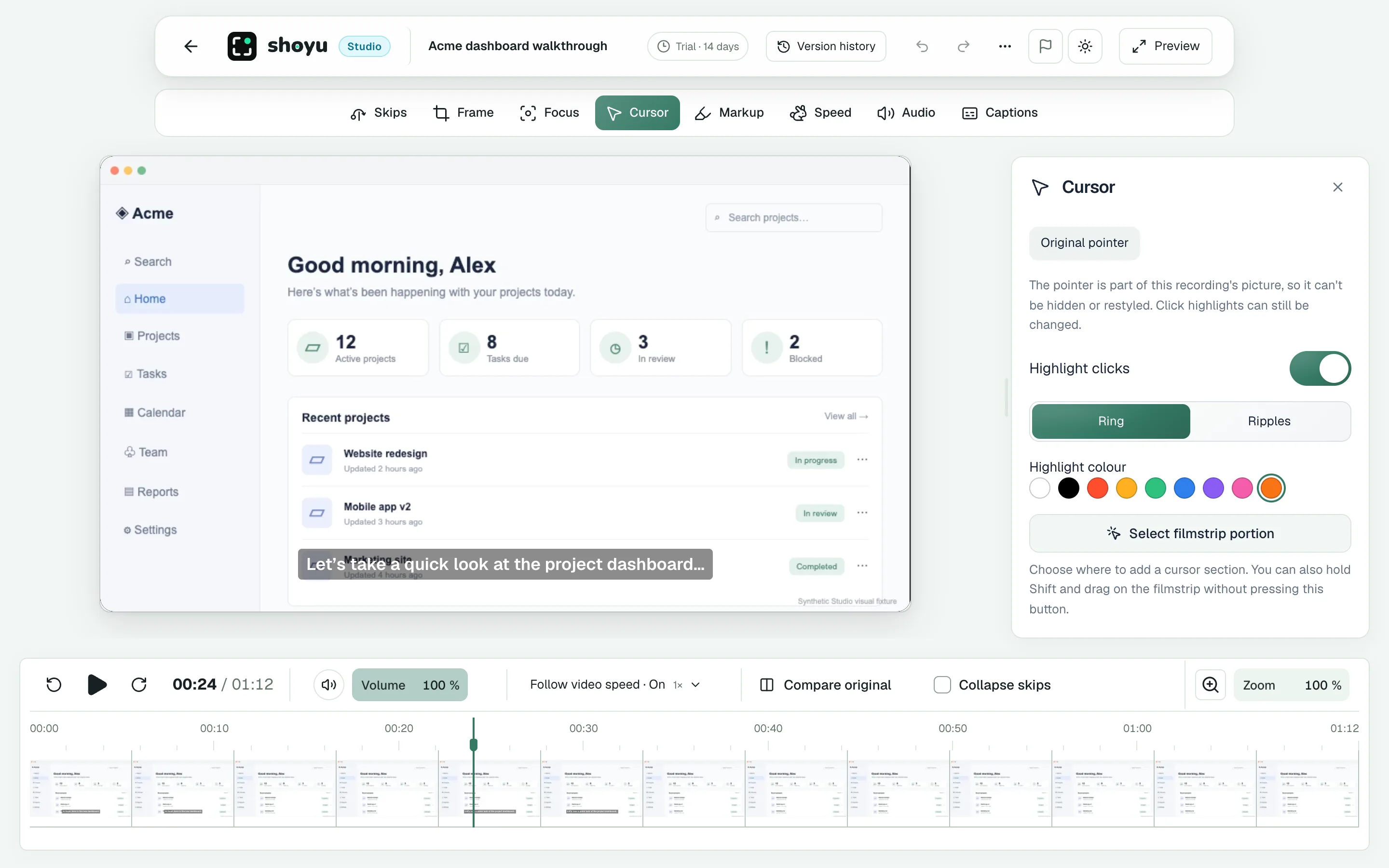
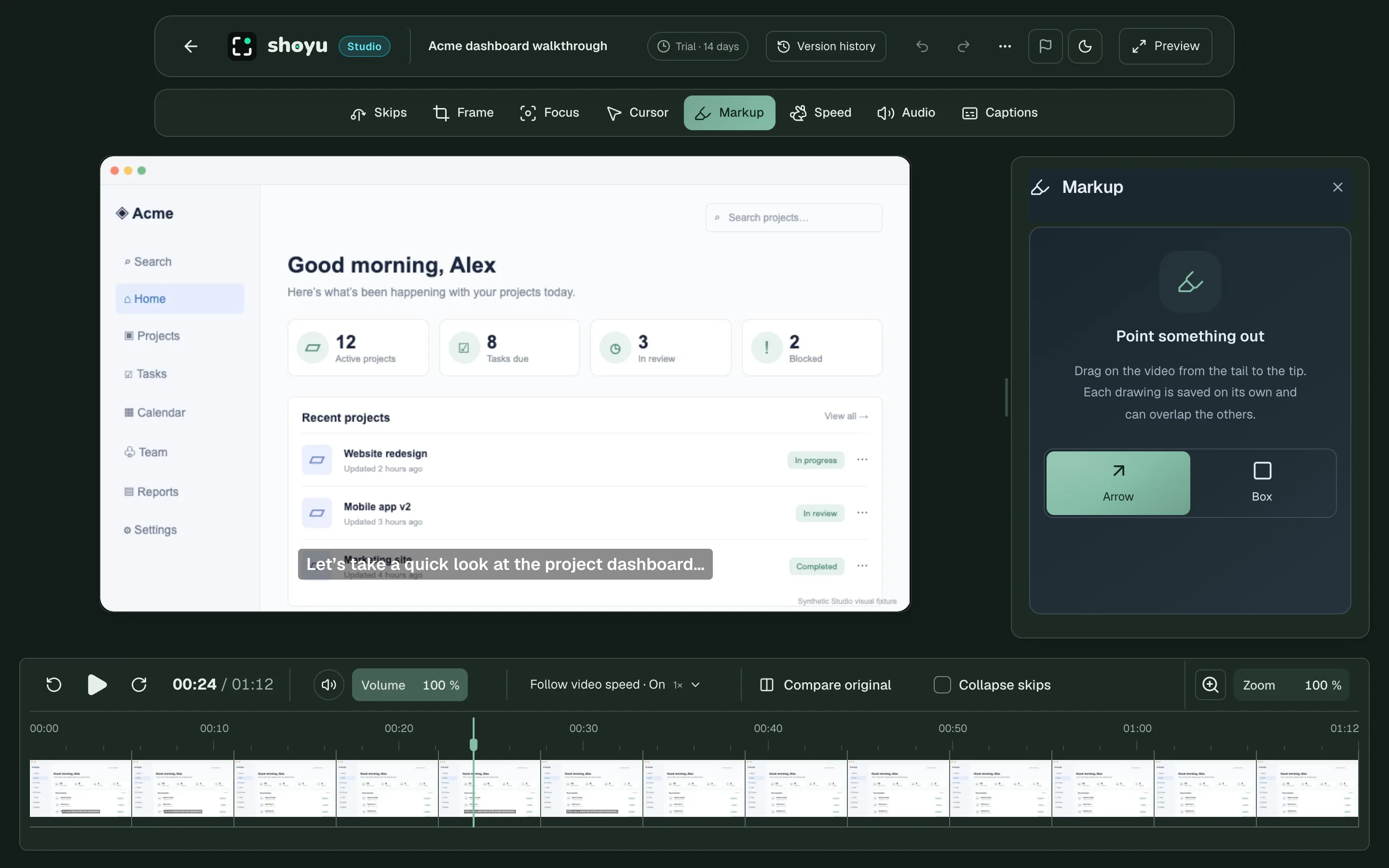
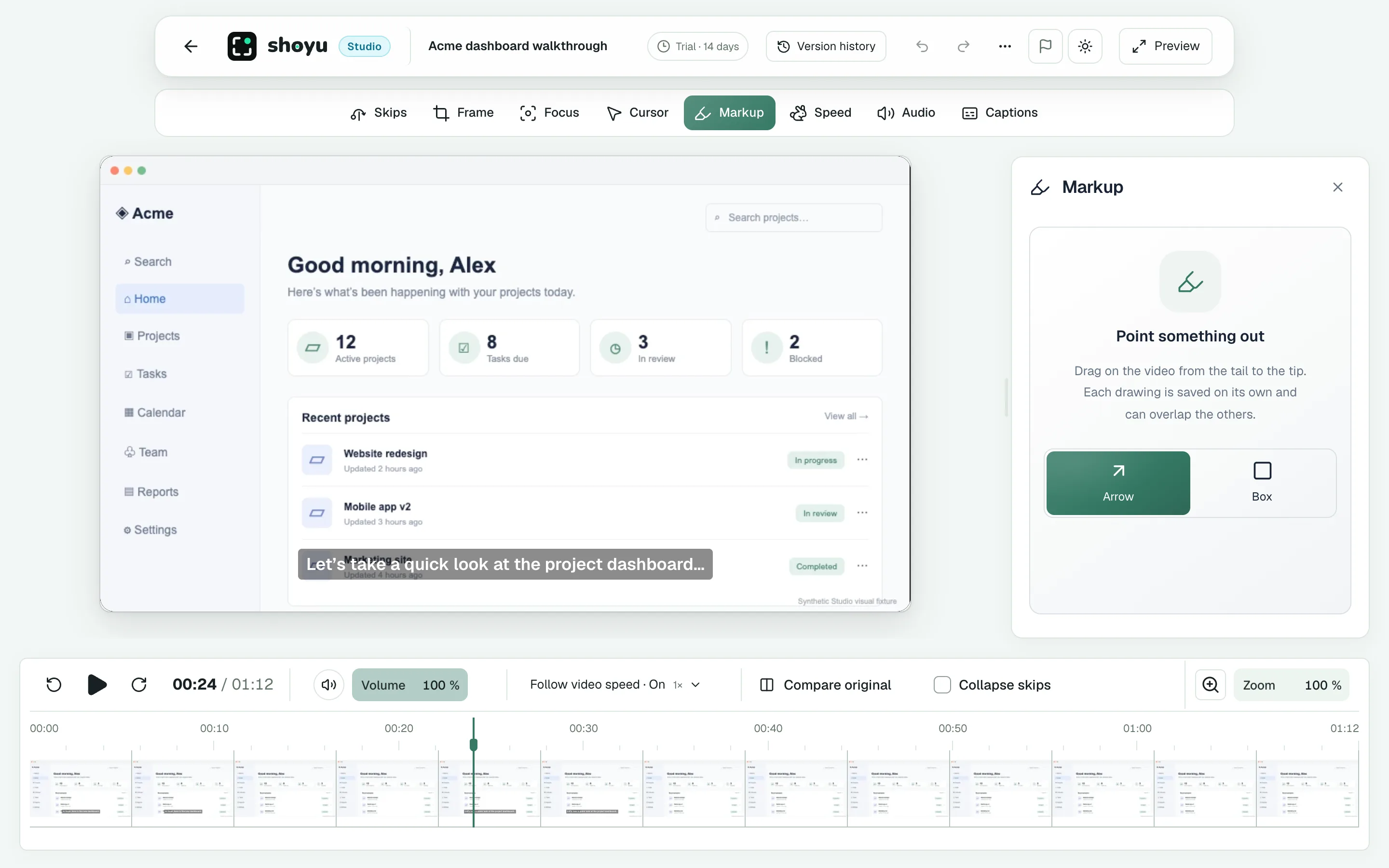
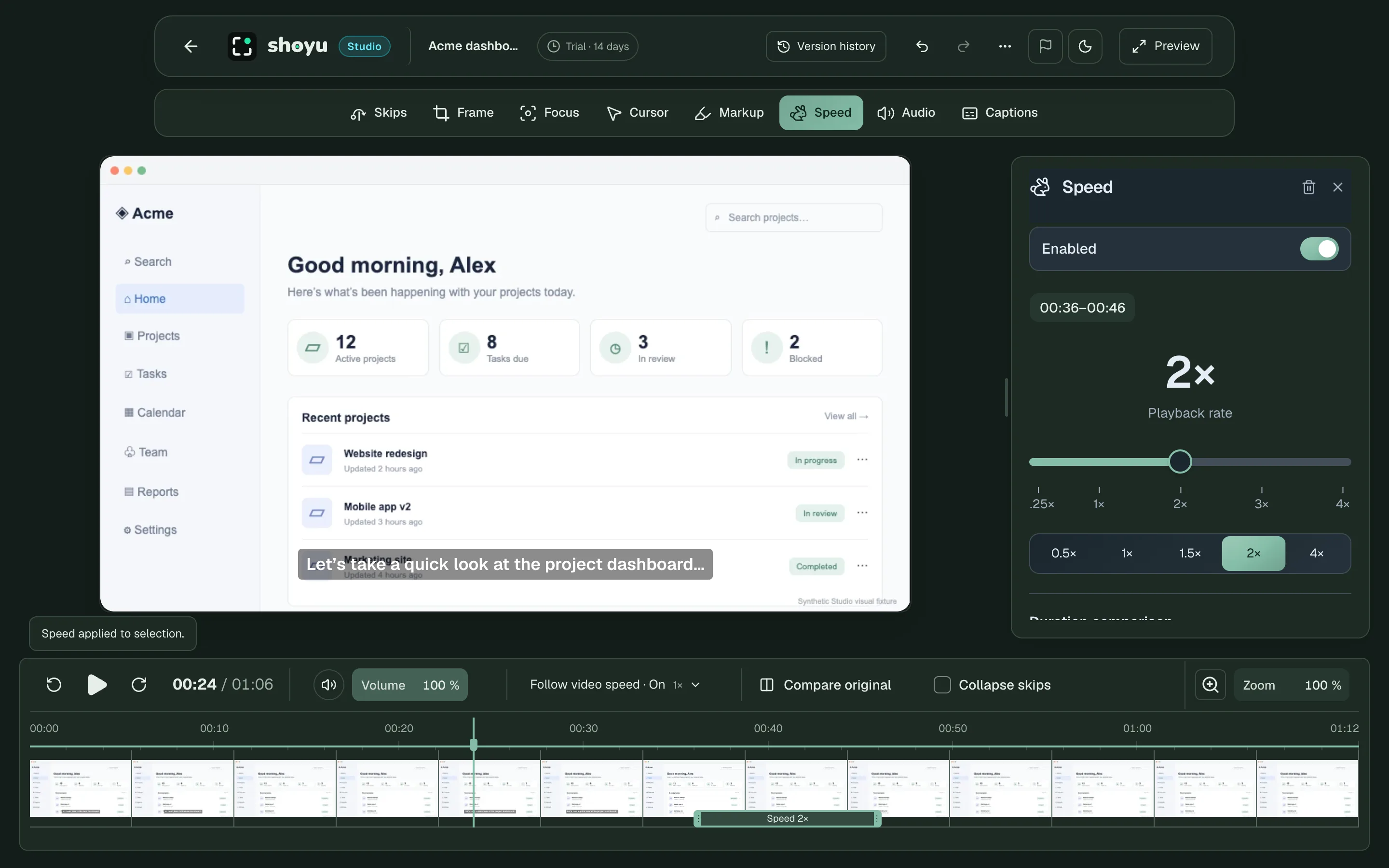
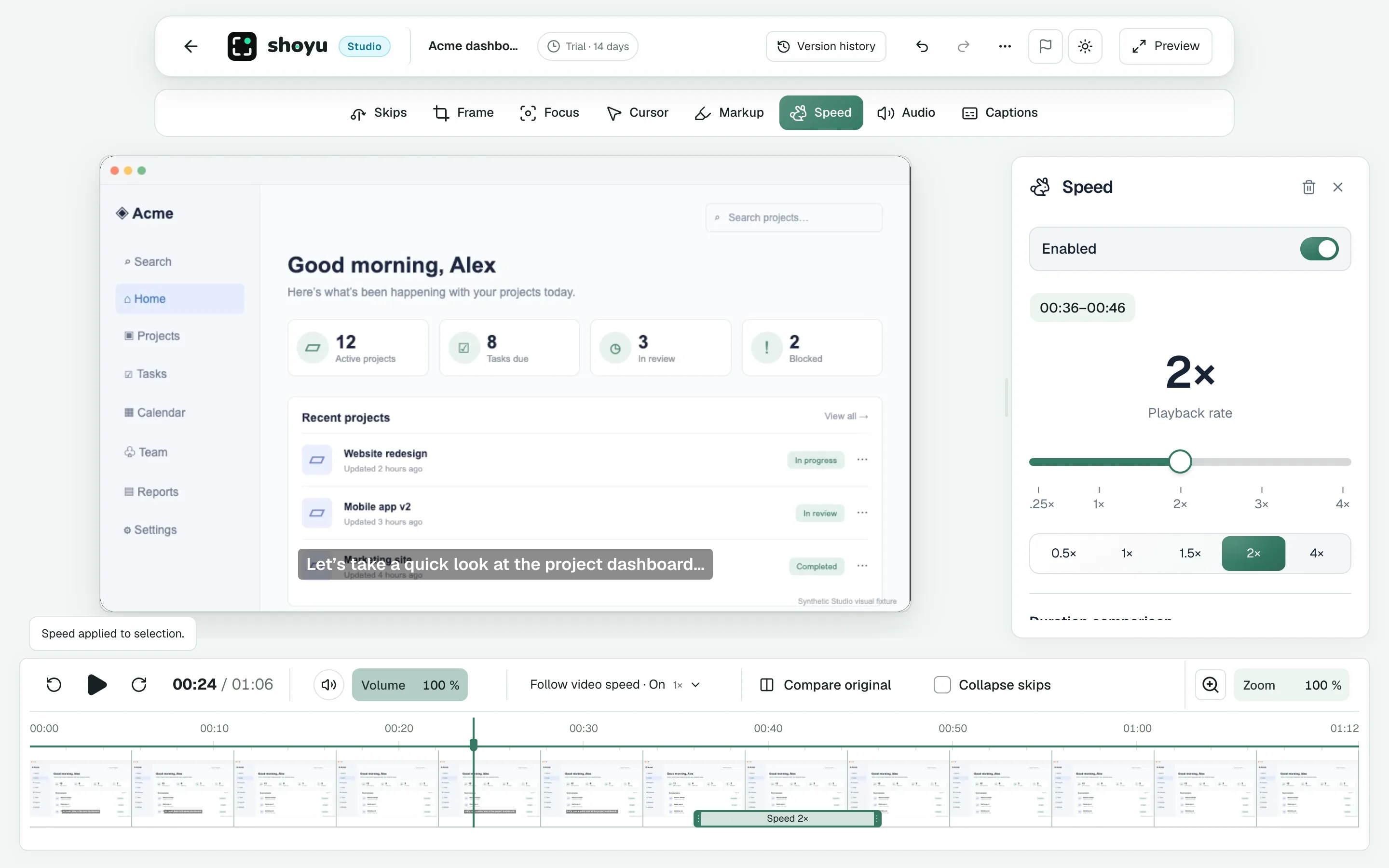
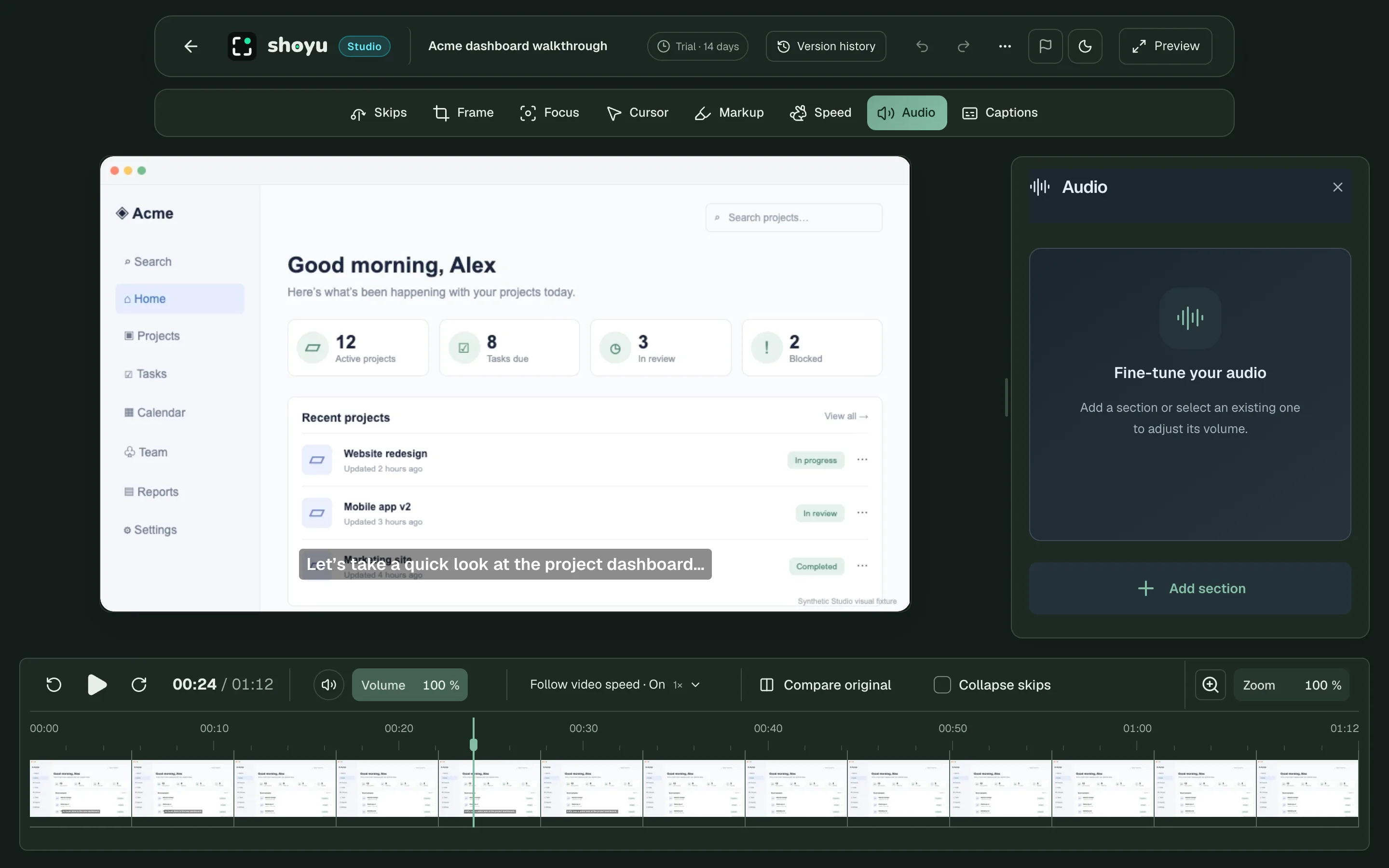
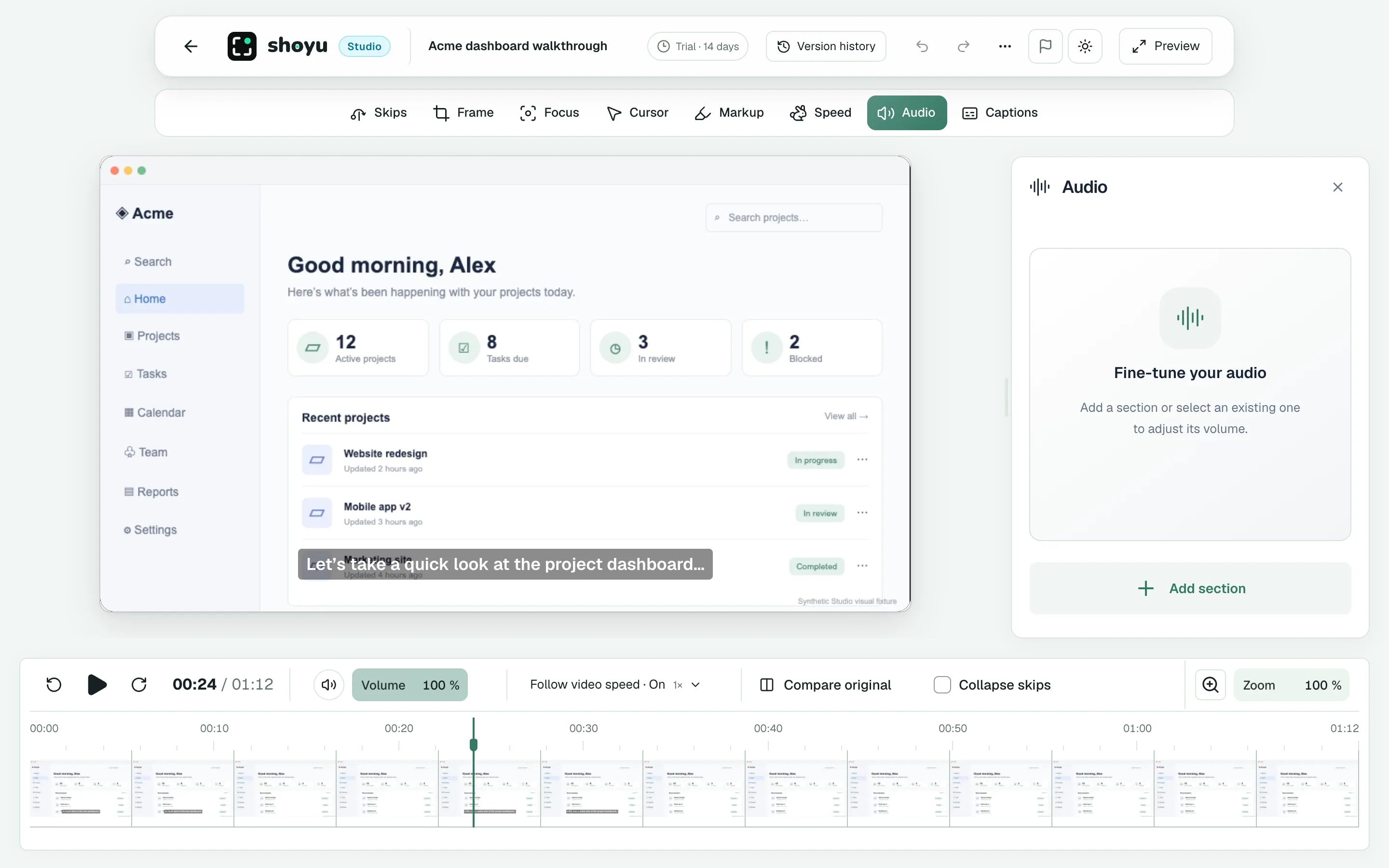
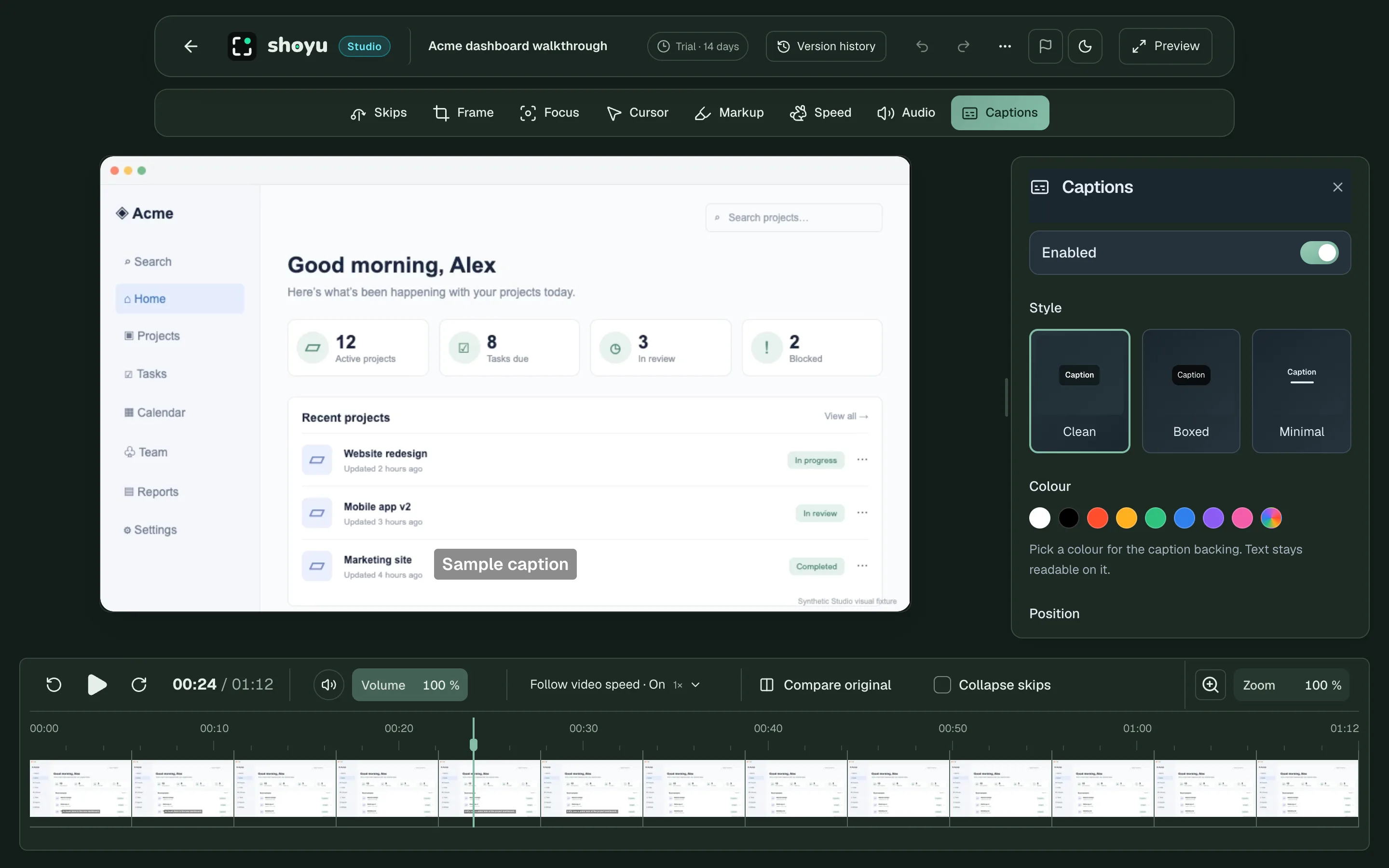
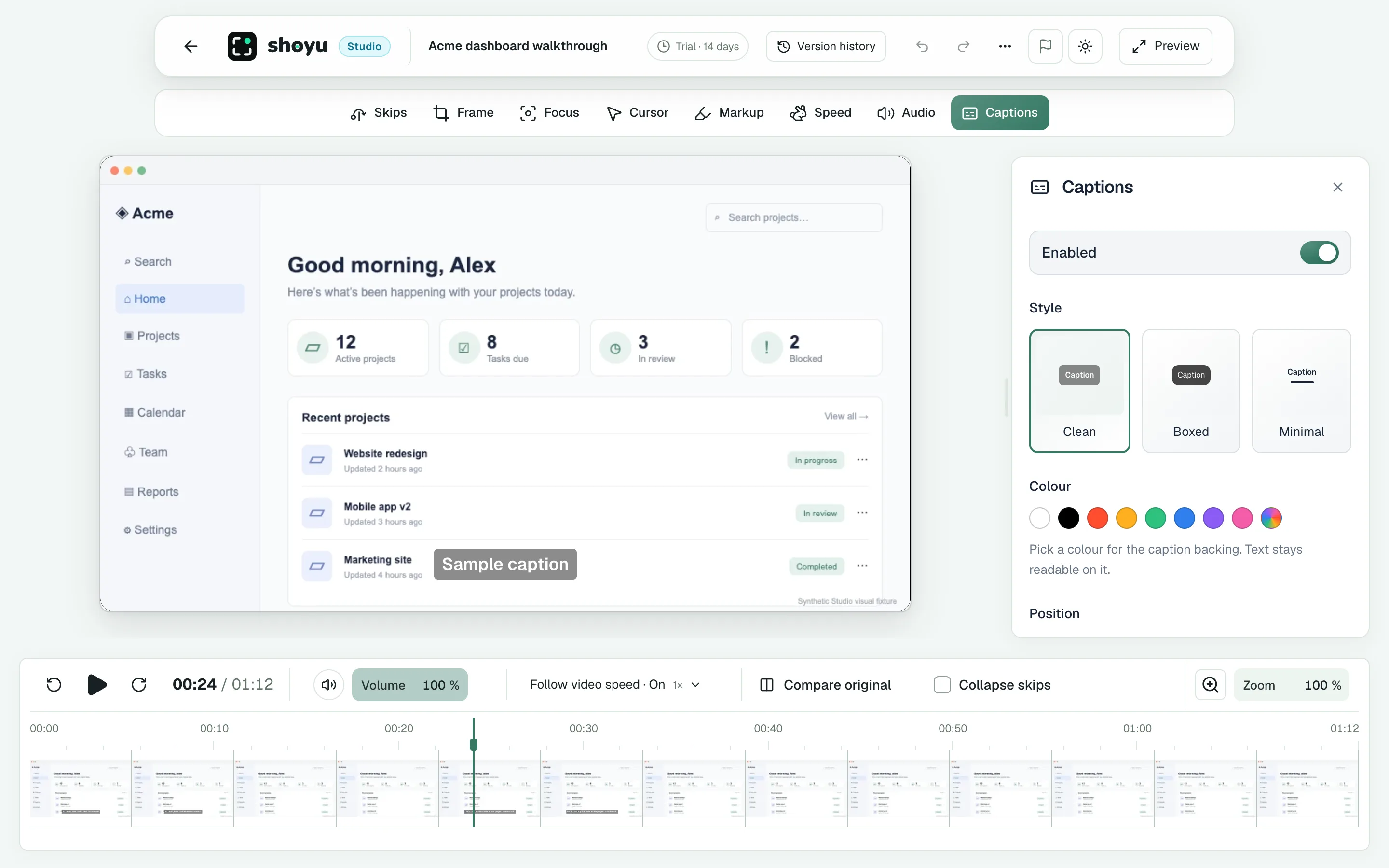
Your recording sits in the middle. The tool rail runs along the top. The filmstrip sits underneath, so you can see every second at once.
Pick a tool, pick a part of the filmstrip, and the change shows at once. Every edit saves as you go, and undo is always one click away.
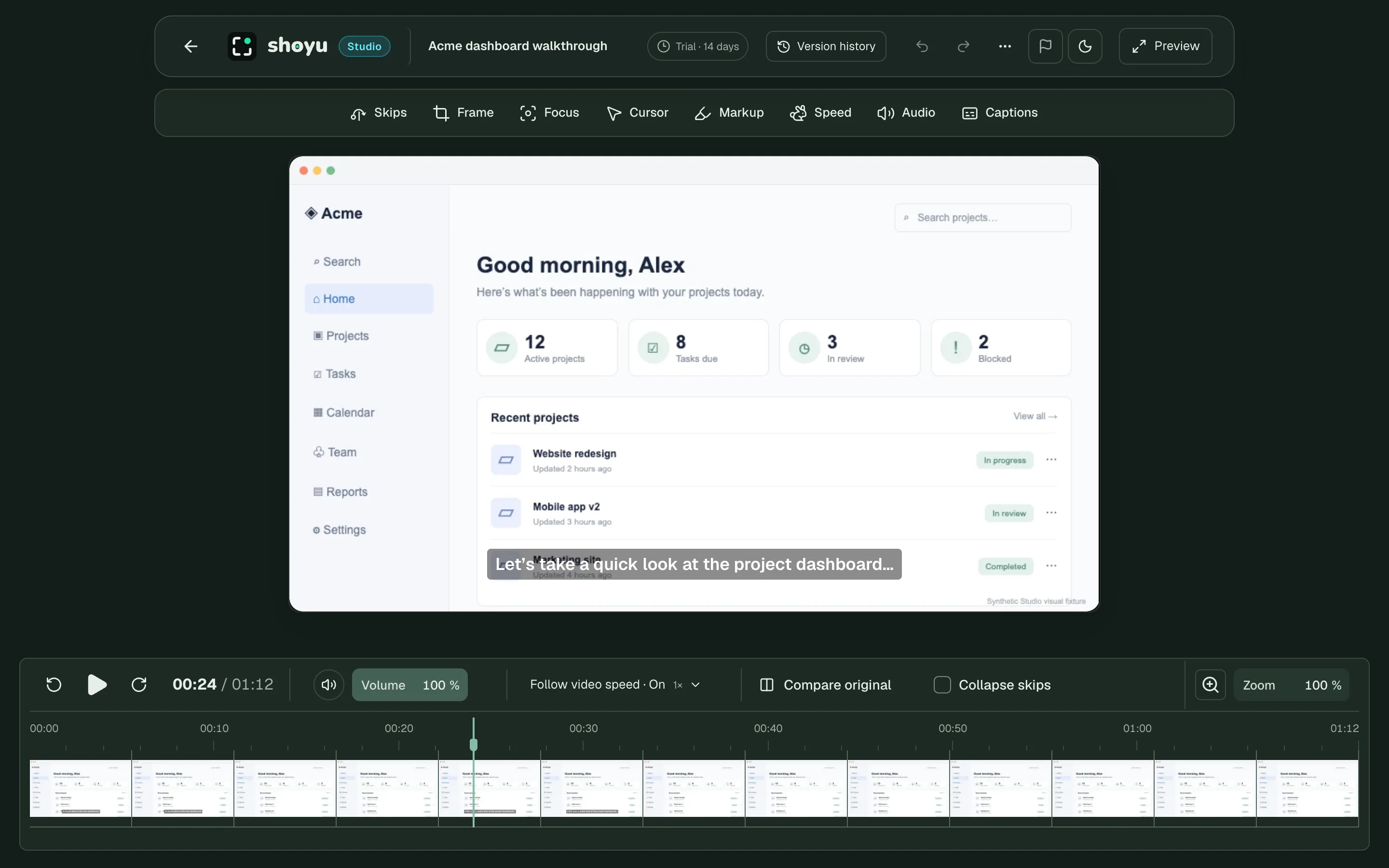
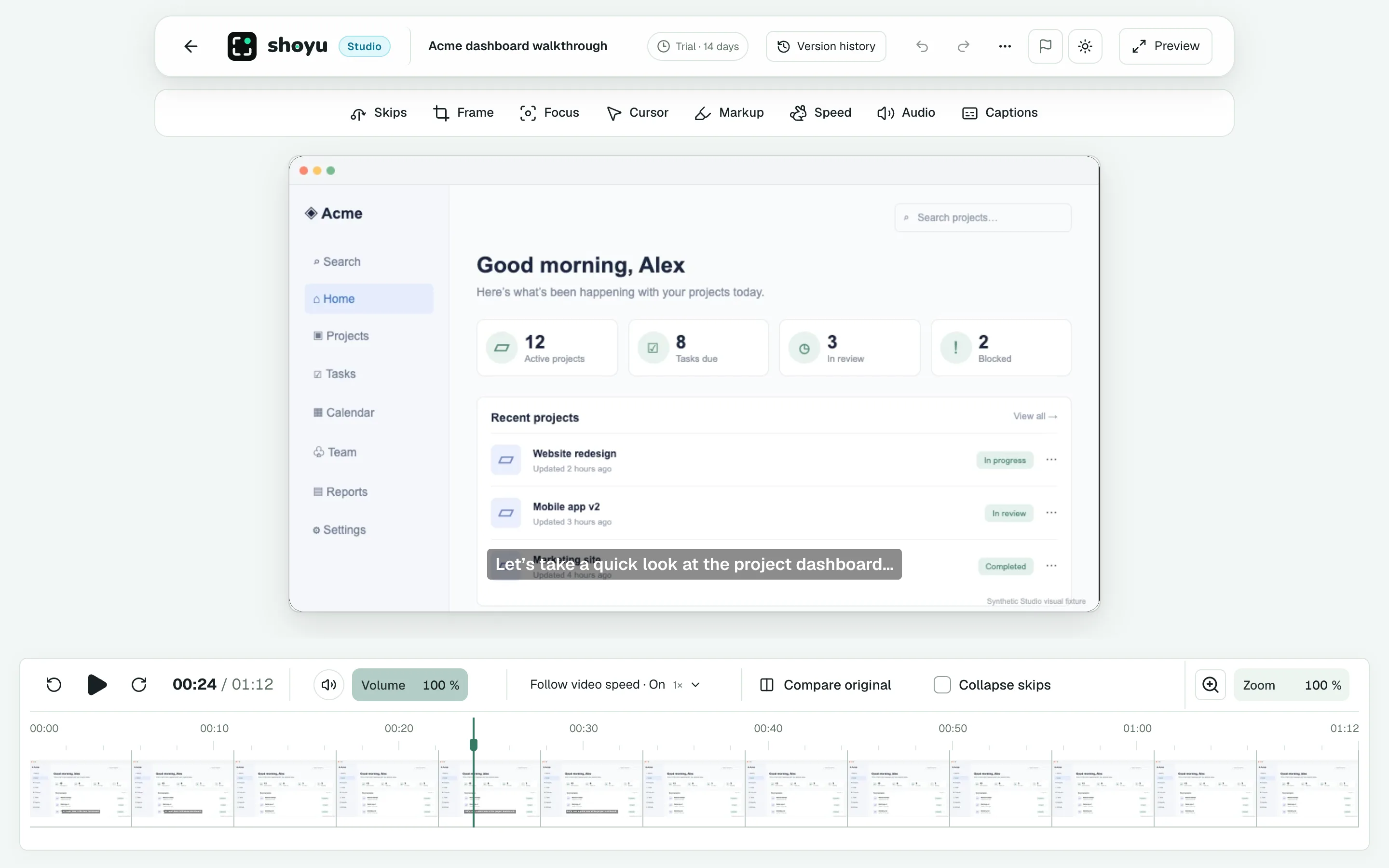
The header.
Version history, undo and redo, and a full-screen preview.
The tool rail.
Eight tools, one row. The one you pick opens its panel.
The recording.
Your video, with the edits drawn on it as you work.
The filmstrip.
Every second as a picture, with your edits marked on it.
Every second is a picture.
The filmstrip shows your whole recording. Drag across it to pick a part. Then choose what to do with it.
Hover to look.
Move over the strip to preview any moment. The video stays where it is.
Drag to pick.
Hold Shift and drag to select a range. The tools act on that range.
Edits save at once.
Every change saves as you go. Undo and redo are always there.
Plenty of tools available
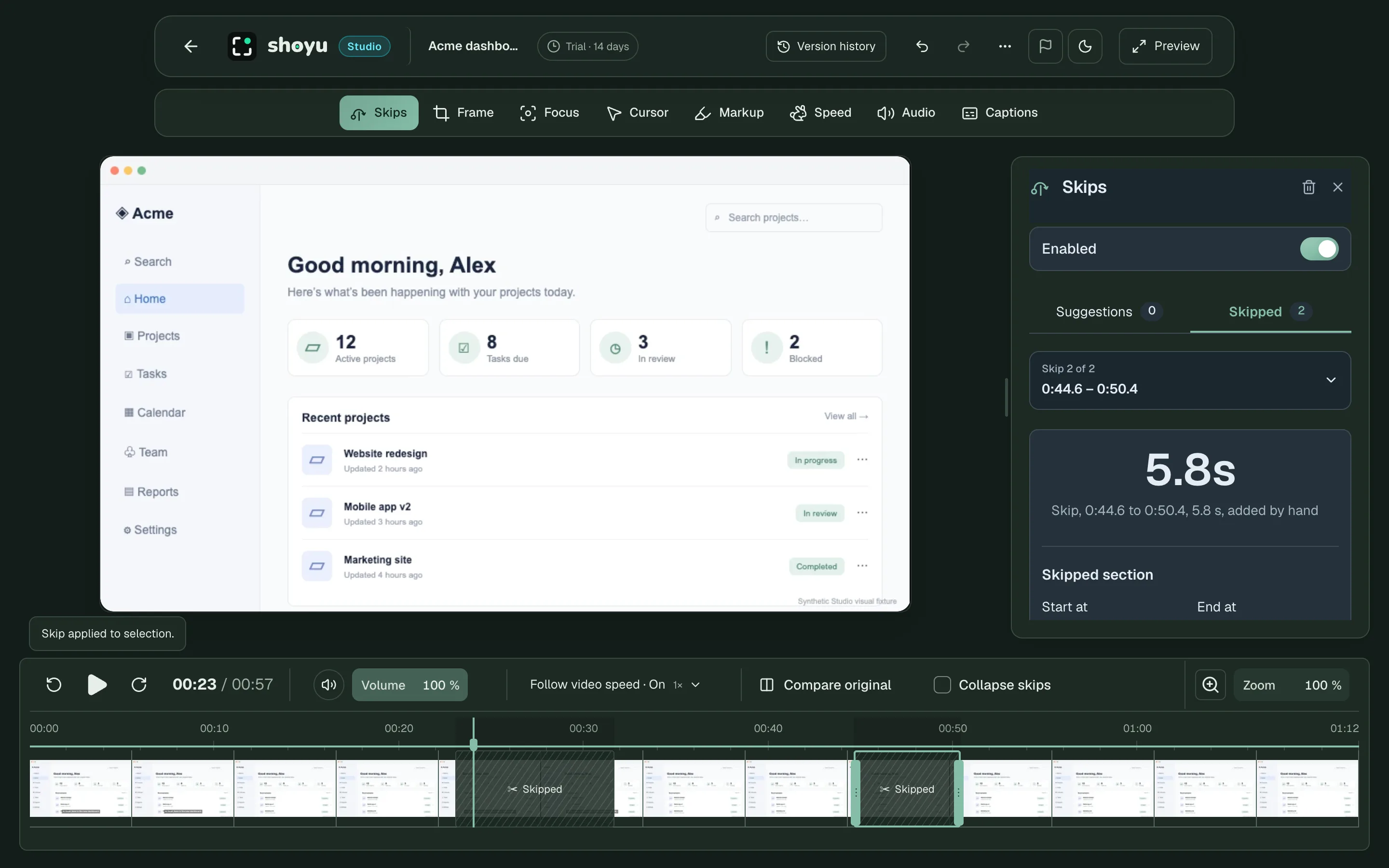
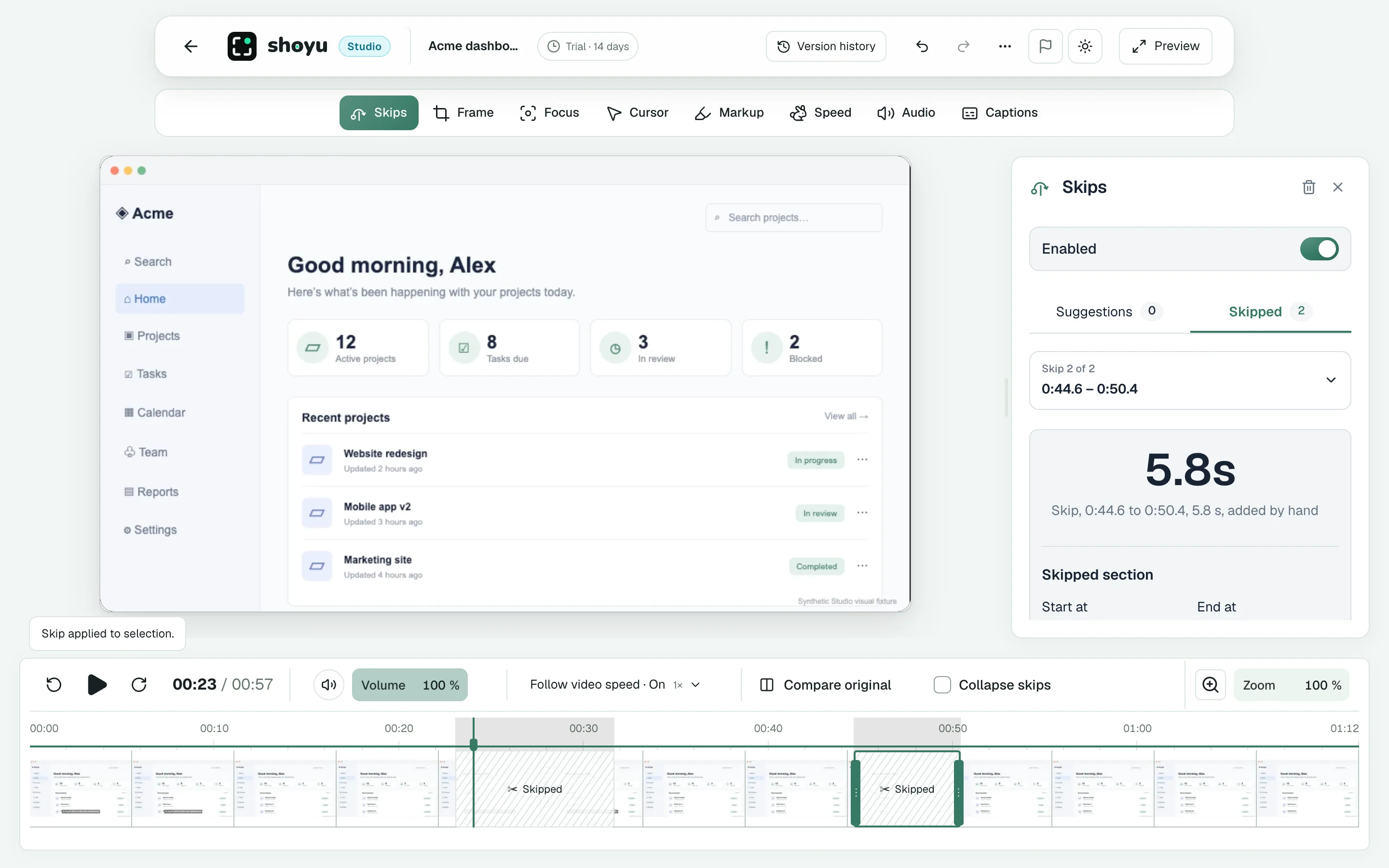
Skips remove the parts of a recording that nobody needs. Studio can suggest skips for pauses, filler words, and dead air. You can also pick any range yourself.
A skip is never erased. You can see it on the filmstrip, move it, or remove it. Viewers jump over skipped parts, and they can still watch the original.
Safe to try anything.
Studio never changes the original. Every edit is a version you can open, compare, or undo.
- Version history lists every change.
- Compare original shows the first take at any time.
- Restore original returns to the start, after you confirm.
- Viewers choose to watch your edited version or the original.