Change your account settings
Update your name, photo and colour, choose your emails, and manage product analytics.
Profile
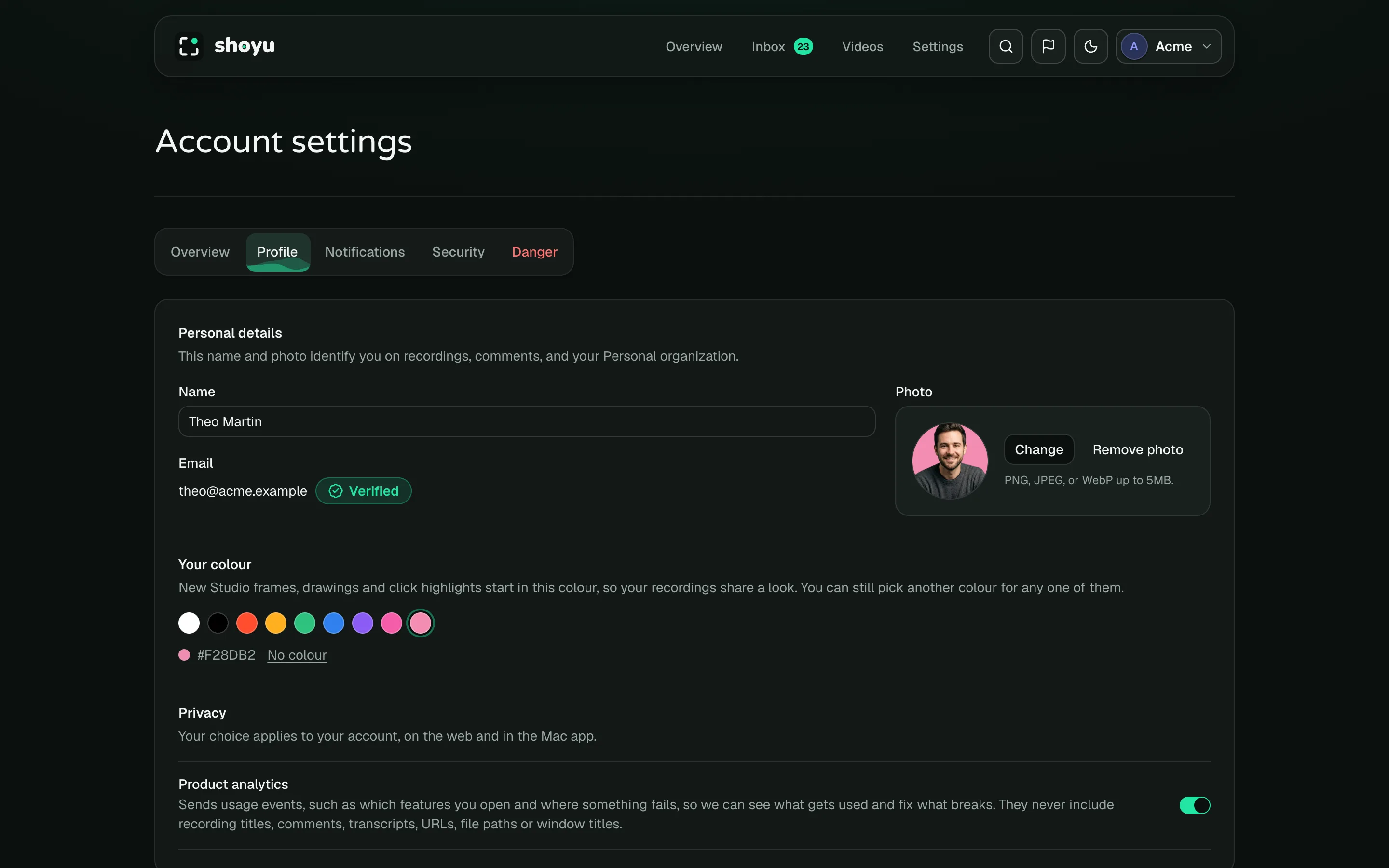
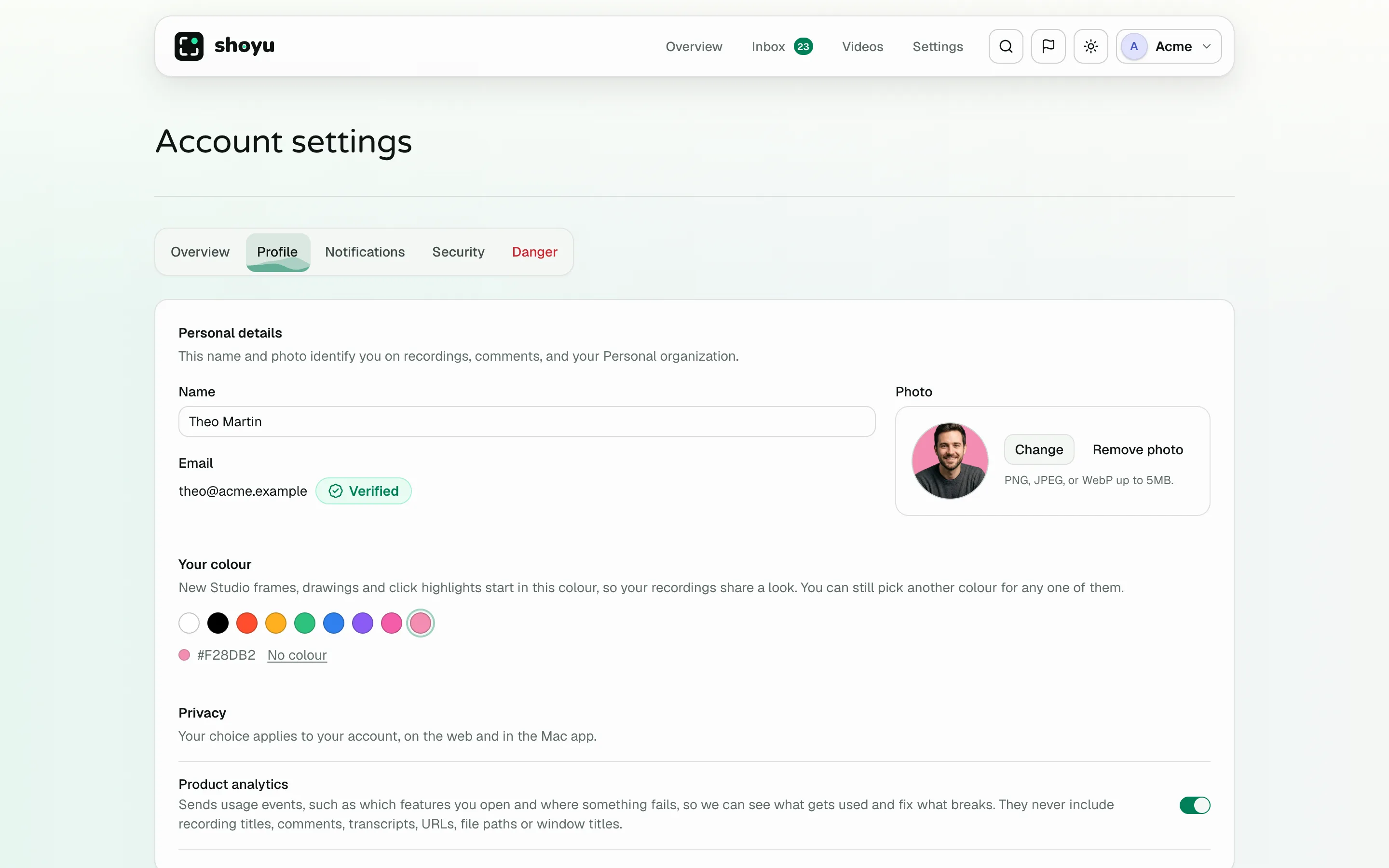
Open the account menu and choose Account. On Profile, change your name or photo and click Save profile. Pick Your colour, which marks you on comments and avatars.
If your email shows Unverified, click Resend verification email and open the link.
Notifications
On Notifications, switch Collaboration emails off or on. These cover mentions, replies and resolved comments.
Product analytics
Shoyu measures how people use the product to improve it. On Profile, switch off Product analytics to opt out. In the Mac app, turn off Help improve Shoyu in Settings › Account & Privacy.
Related guides
Still stuck? Write to hello@shoyu.cc. A person answers.