Find recordings
Search what was said, shown or typed in your team’s recordings, filter the list, and jump straight to the moment.
Search
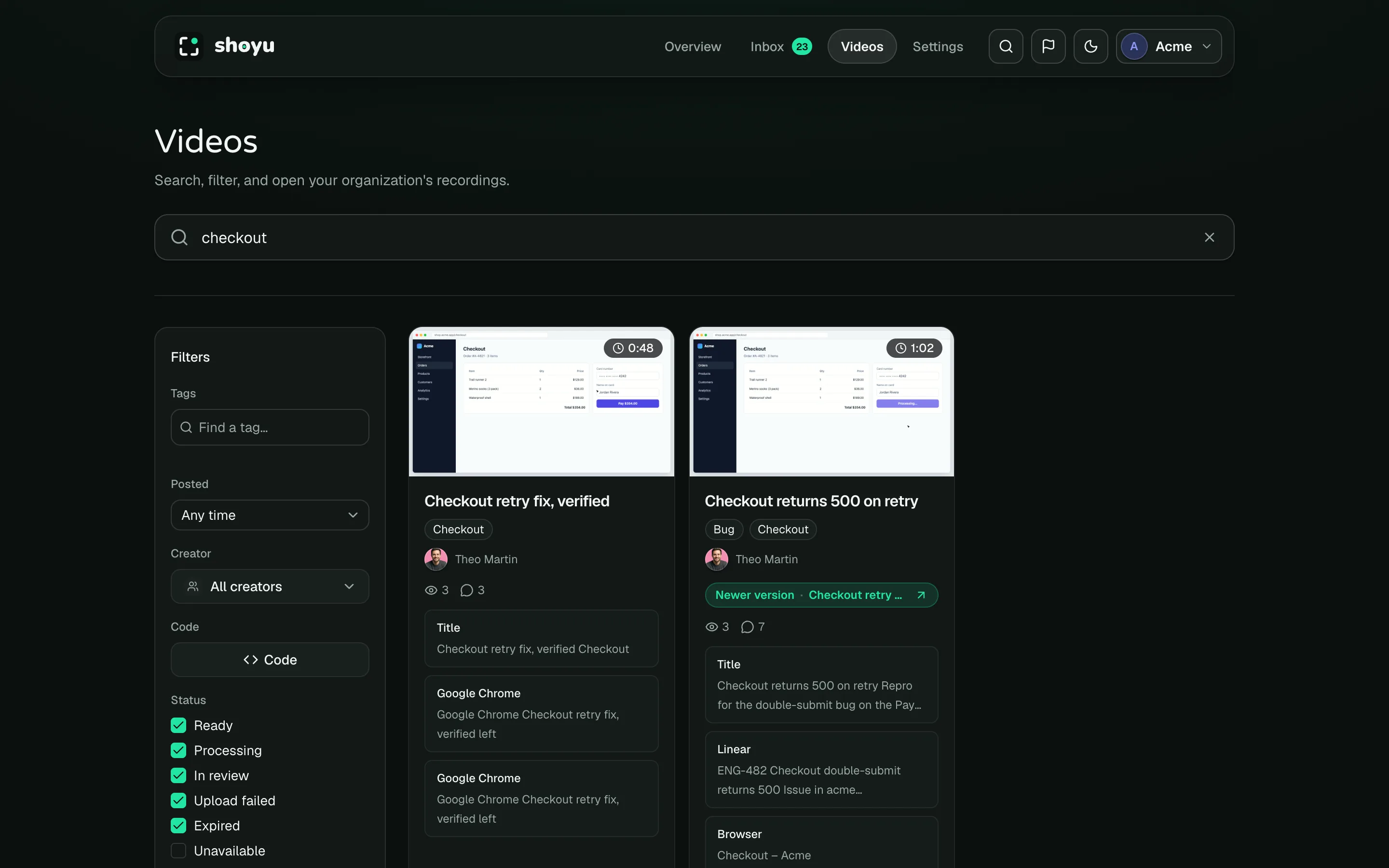
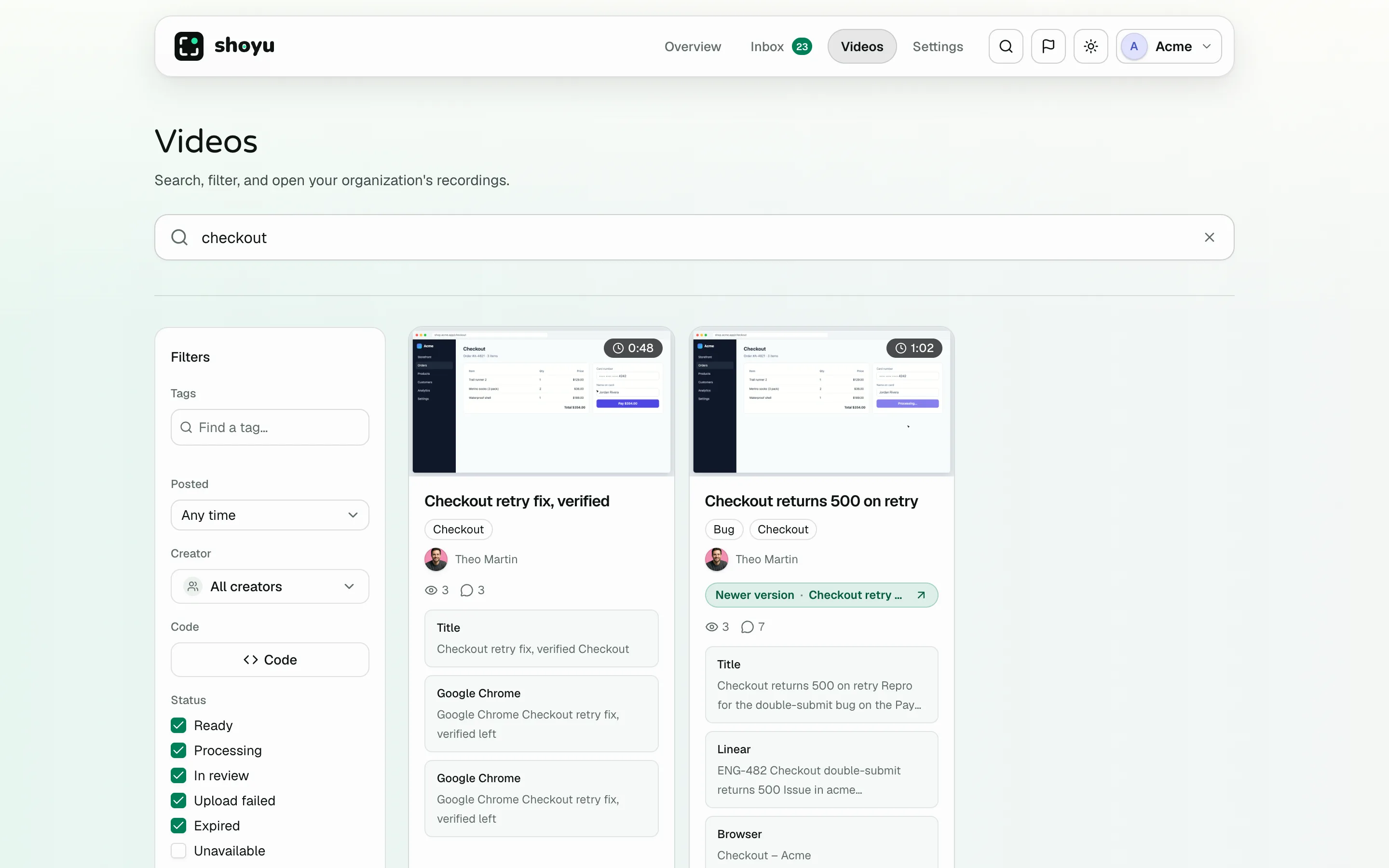
- Click Videos in the dashboard header.
- Type in Search recordings… and press ↩.
Search looks through titles, transcripts, chapters, code and terminal context, pages and links, and comments. Each result lists the moments that matched. Click a moment to open the recording at that second.
Search by code
Click Code and enter a repository, file or branch to find recordings where it was open. From your editor, Shoyu: Search Current File does the same.
Filter and sort
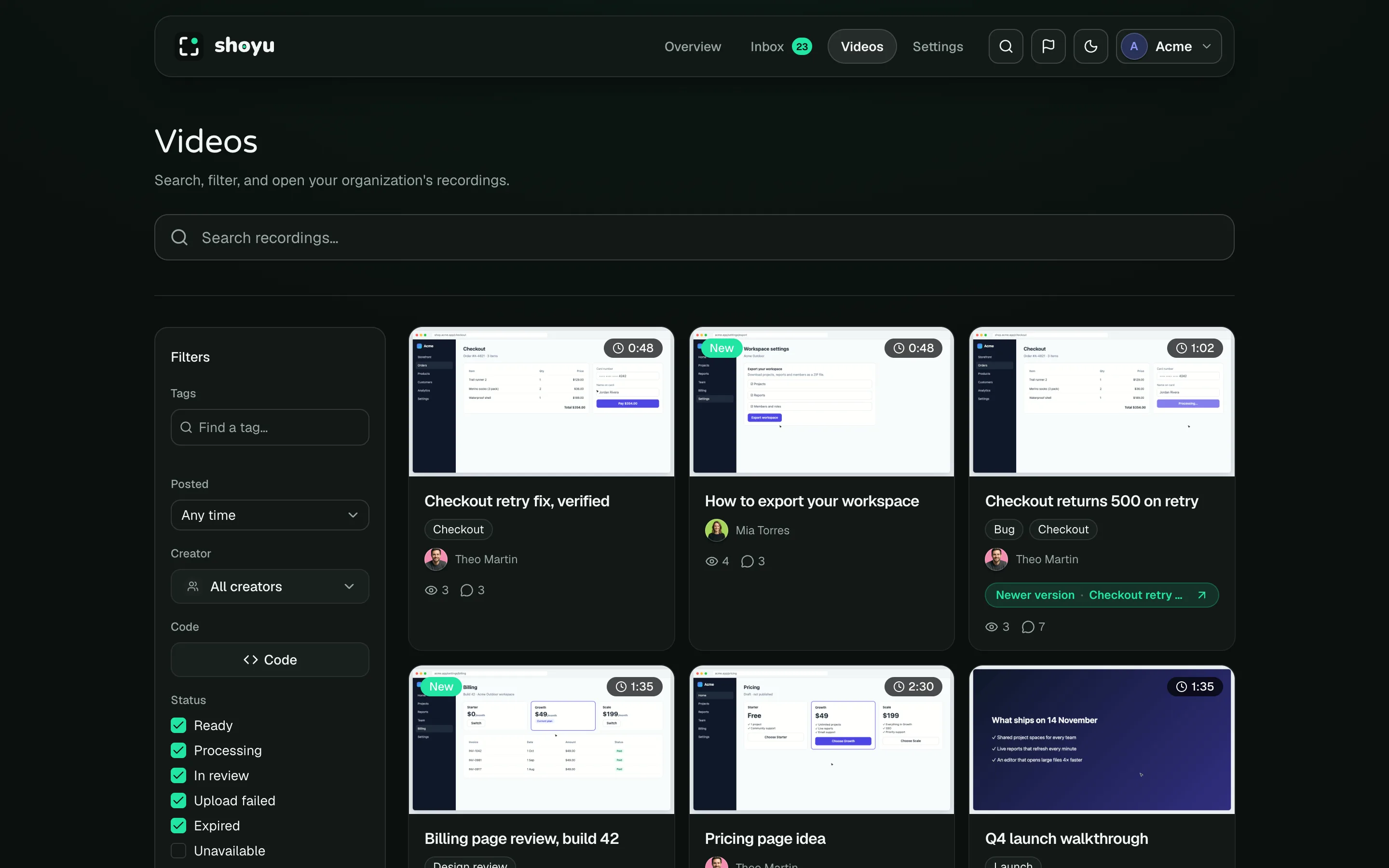
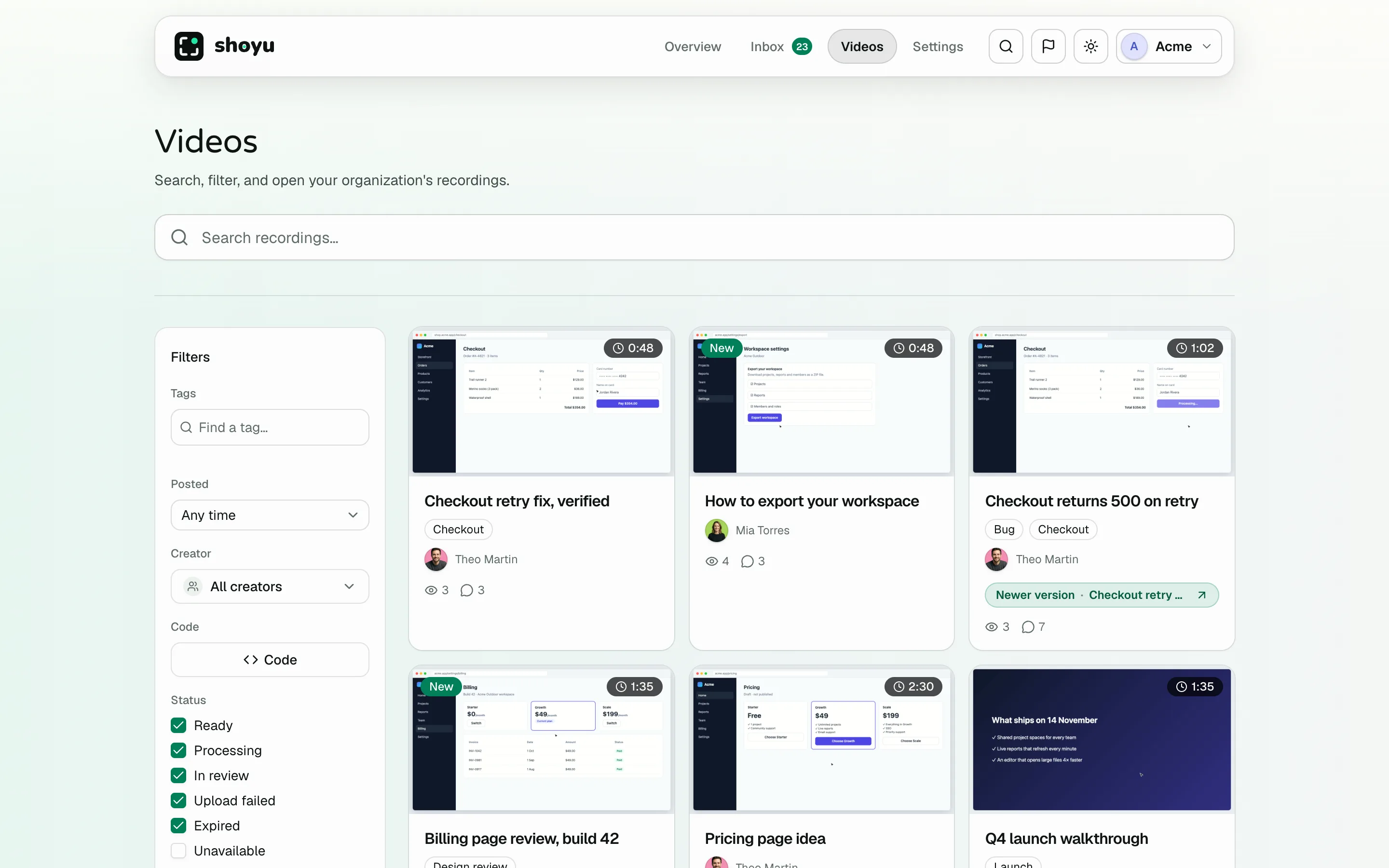
| Filter | Choices |
|---|---|
| Tags | One or more tags. With two or more, match Any or All. |
| Posted | This week, This fortnight, This month, Last 3 months, Any time, or a date range. |
| Creator | Who made the recording. |
| Seen | In team organizations, show only recordings you have not watched. |
| Status | Ready, Processing, In review, Upload failed, Expired, Unavailable and Deleted. |
Sort by newest, oldest, title or duration. Searches sort by best match. Your filters are part of the page address, so you can bookmark or share a filtered view.
Badges on a recording
Cards show the duration, and a badge when a recording is not ready, such as Processing or Upload failed. New marks recordings you have not watched. Hover a ready card to preview it.
Related guides
Still stuck? Write to hello@shoyu.cc. A person answers.