Choose which context Shoyu records
Turn App, Browser, Code and Terminal context on or off for a recording, and see what your organization allows.
The four context layers
| Layer | What viewers get |
|---|---|
| App Identity | Which app was in front, and links to recognised apps such as Figma, Linear and Notion. Built into the Mac app. |
| Browser | The pages you visited. Needs the browser extension. |
| Code | The file and line you were on. Needs the IDE extension. |
| Terminal | A replay of a terminal session. Needs the shoyu command. |
Change them for one recording
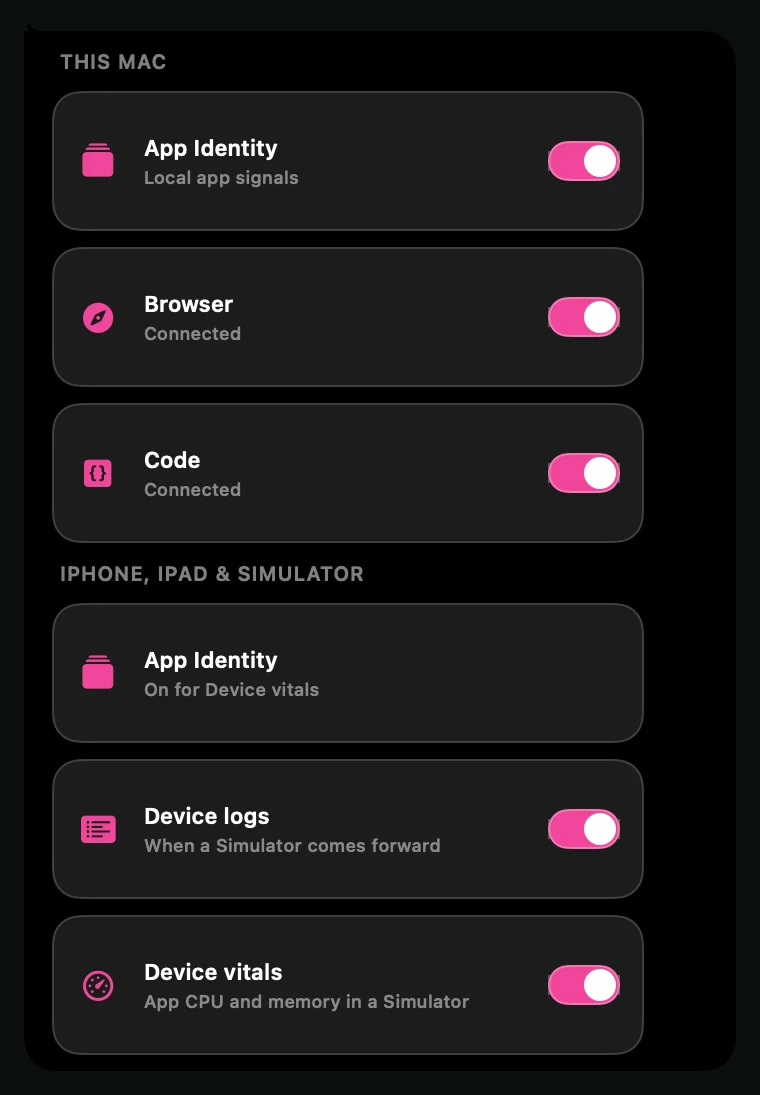
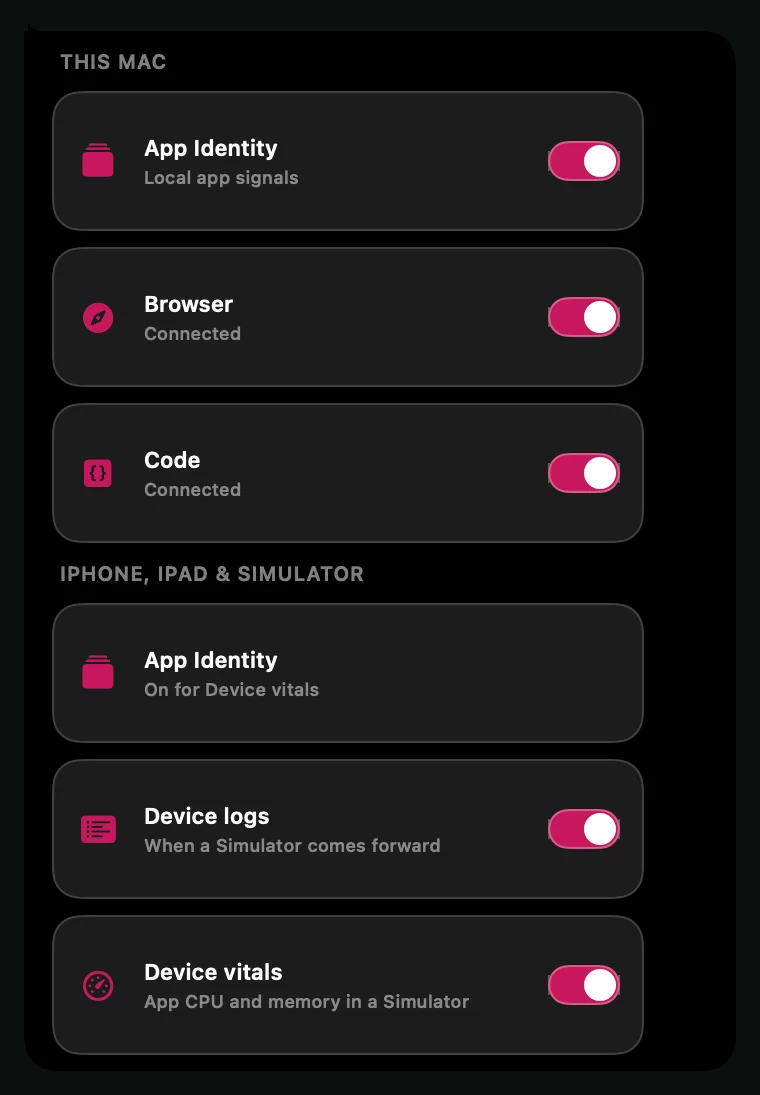
In the Control Deck, click Context. Each layer shows its state, such as Connected, Approval Needed or Disconnected, and can be turned off for this recording.
Org Restricted means your organization has turned that layer off. Owners and admins set this in recording policy.
Related guides
Still stuck? Write to hello@shoyu.cc. A person answers.