Set up the Mac app
Sign in to the Mac app, grant the permissions it needs, and choose which context and agent tools to install.
Sign in
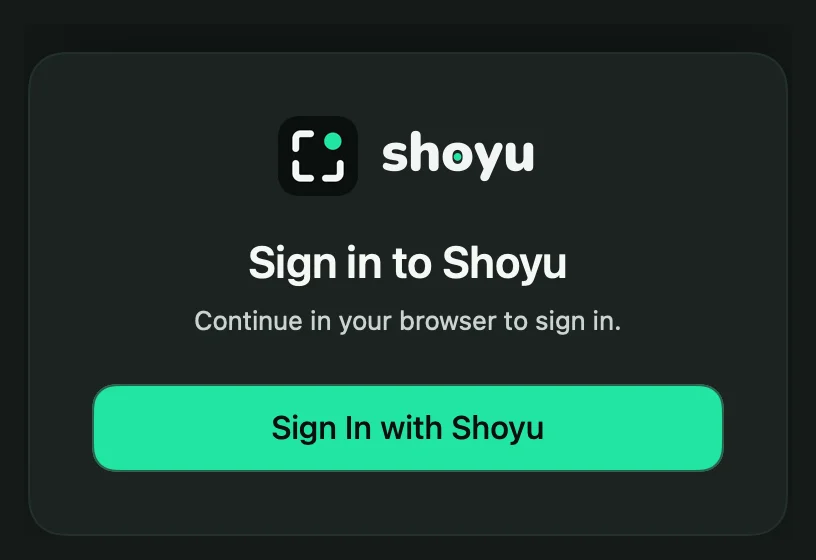
- In the Set up Shoyu window, click Login.
- Your browser opens a Shoyu page. Check that it names the Shoyu app, choose the organizations it can use, and click Authorize.
- Go back to Shoyu. It moves to the next step on its own.
If the browser page did not open, click Open Sign in. If sign-in fails, click Retry or press ↩.
Grant permissions
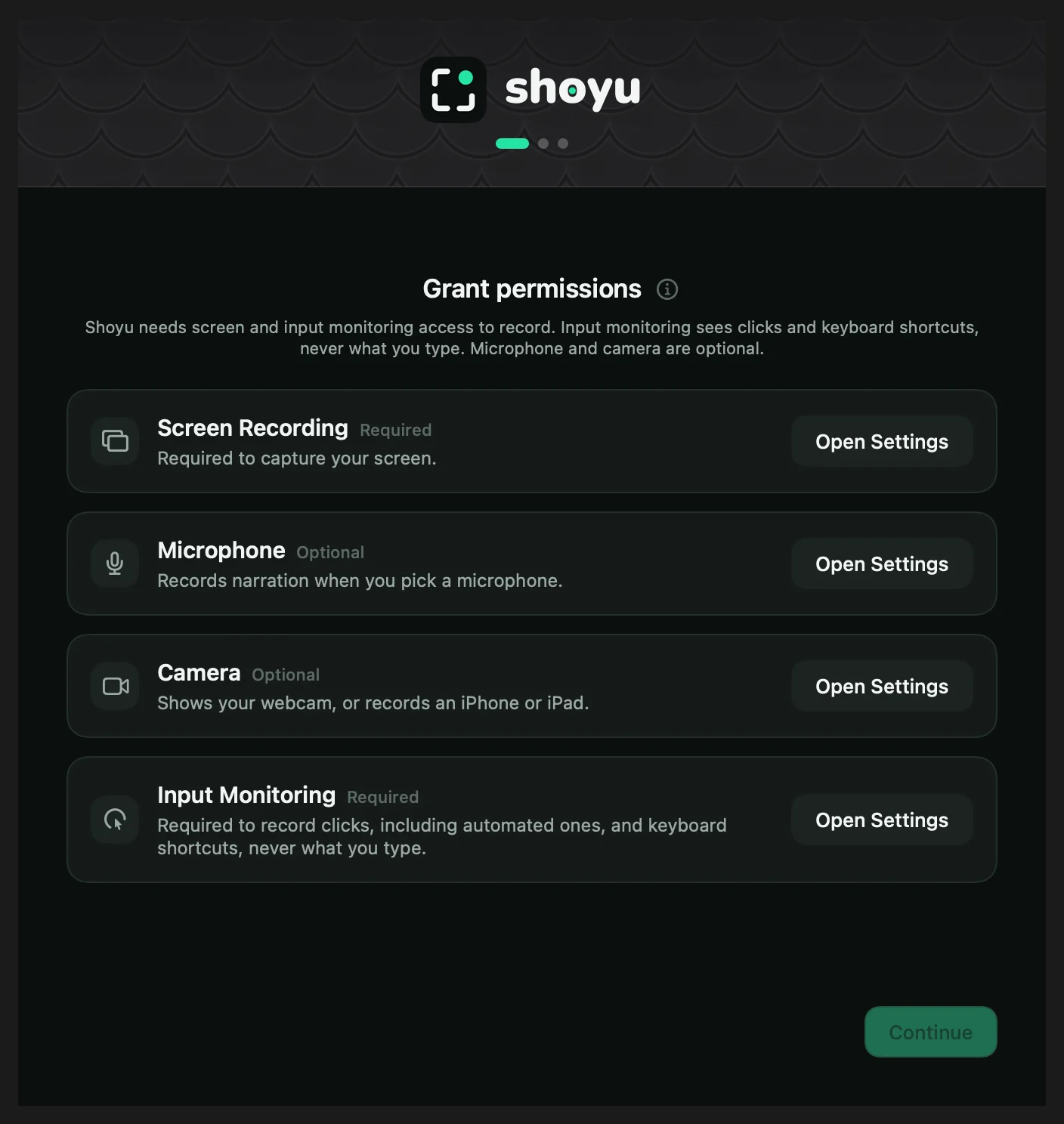
| Permission | Why Shoyu needs it |
|---|---|
| Screen Recording (required) | To capture your screen. |
| Input Monitoring (required) | To record clicks and keyboard shortcuts. Shoyu never records what you type. |
| Microphone (optional) | To record your voice when you pick a microphone. |
| Camera (optional) | To show your webcam, or to record an iPhone or iPad. |
- Click Open Settings next to Screen Recording. macOS opens System Settings with a small helper window.
- Drag Shoyu from the helper into the list, or turn on Shoyu if it is already there.
- Do the same for Input Monitoring.
- Click Request microphone and Request camera if you want them, and allow each one.
- When a row says Relaunch Shoyu, click it. Screen Recording and Input Monitoring only take effect after Shoyu restarts.
Set up Deep Context
This step installs the extras that add context to your recordings. Each one is optional, and Continue always works.
| Card | What Install does |
|---|---|
| App Identity | Built in. Nothing to install. |
| Browser Context | Opens the download page for the browser extension. See Install the browser extension. |
| Code Context | Installs the IDE extension into VS Code, Cursor and Devin Desktop. See Install the IDE extension. |
| Terminal Context | Installs the shoyu command. See Install the shoyu command. |
Set up Agent Automation
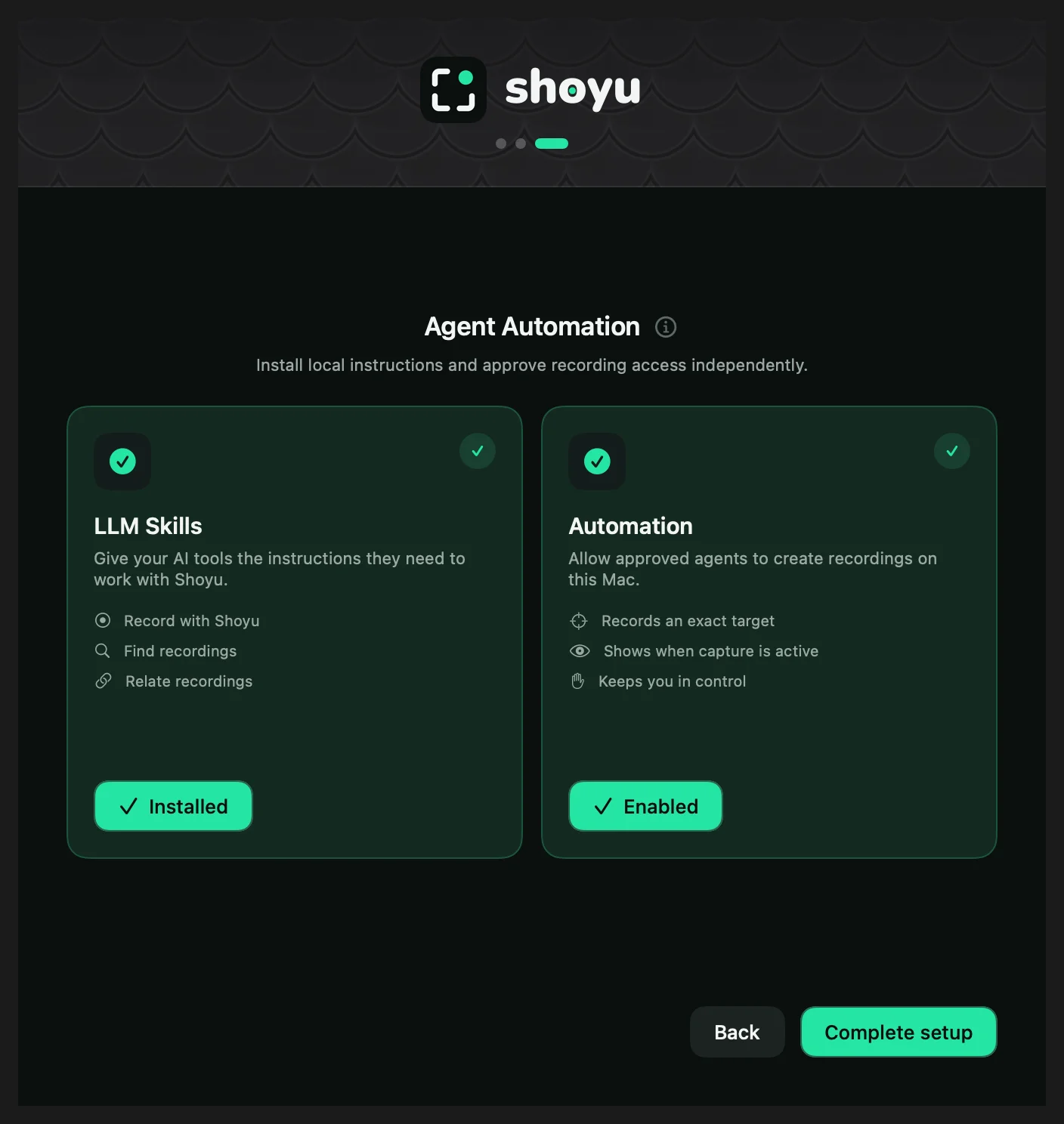
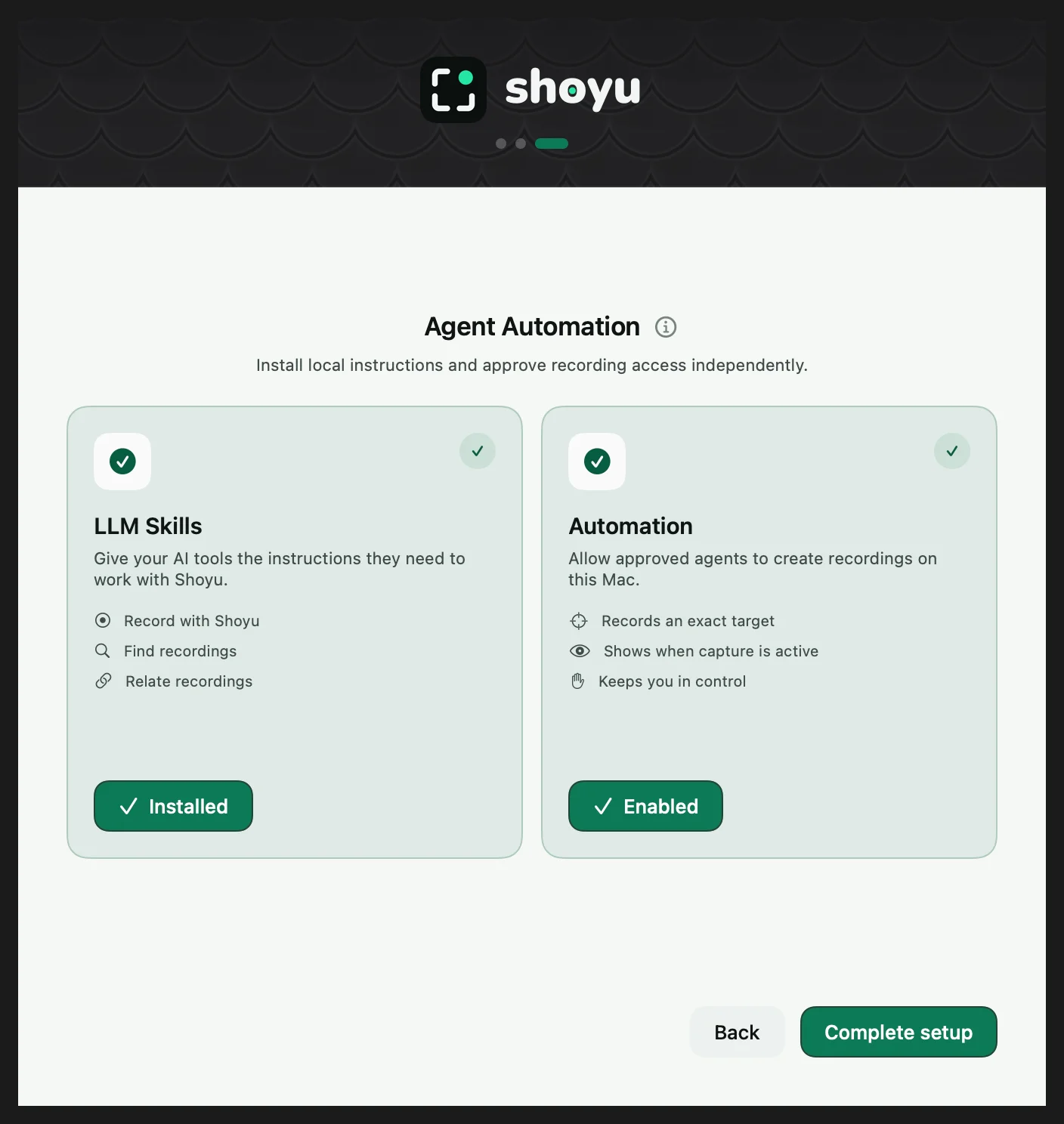
The last step lets an AI agent use Shoyu. LLM Skills installs the Shoyu skills for agents such as Claude Code and Codex. Automation lets an agent record a window or display. Turning it on asks for Touch ID or your Mac password.
Both are optional. Click Set up later to skip them, or Complete setup when you are done. Let an agent record its work explains Automation.
Related guides
Still stuck? Write to hello@shoyu.cc. A person answers.