Fix upload problems
Get a stuck or failed upload moving again. Your recording stays on your Mac the whole time.
Paused uploads
If the connection drops, Shoyu pauses the upload and retries by itself, waiting a little longer each time and trying again as soon as your network is back. You do not need to do anything.
Failed uploads
- Open the Library and choose Failed in the sidebar.
- Right-click the recording and choose Retry Upload.
You can also click Retry on the failed upload in the Status Panel.
When Shoyu needs your help
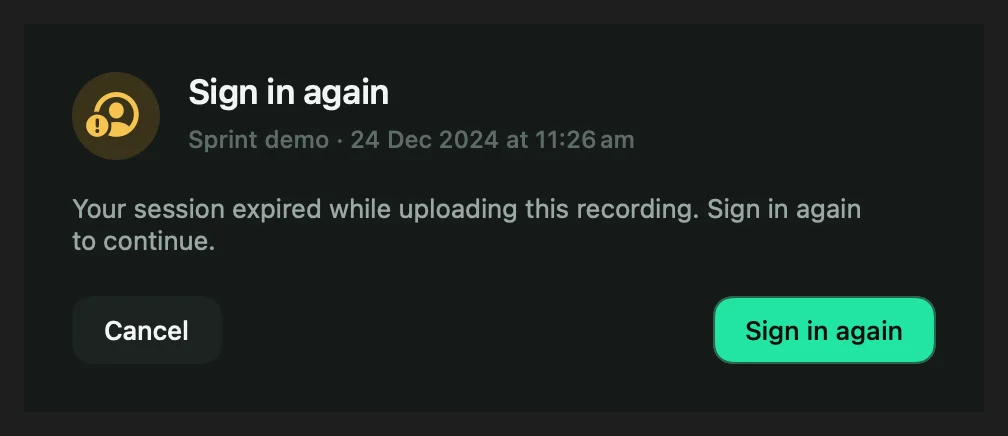
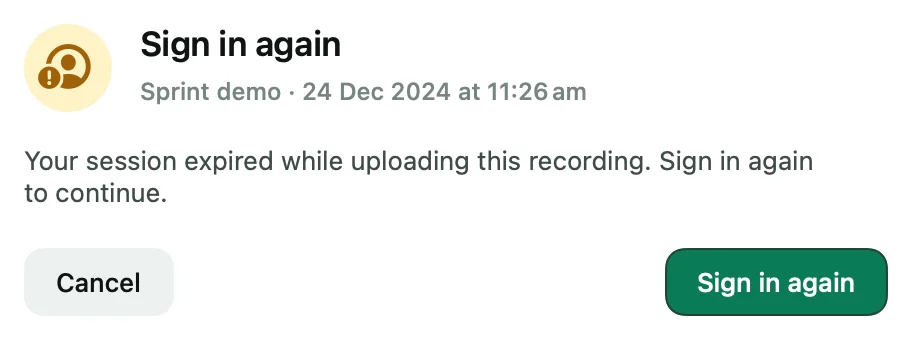
| Sheet | What to do |
|---|---|
| Sign in again | Your session expired. Sign in, and the upload continues. |
| Couldn’t upload | Click Retry. If the file changed since recording, Shoyu uploads it fresh. |
| Recording file missing | The file was moved or deleted. Click Locate… to find it, or Remove from queue. |
Plan limits
If a recording does not fit your Personal space, or a team’s trial or hosted access has ended, Shoyu keeps it on your Mac and explains what to do. See Personal space limits.
Related guides
Still stuck? Write to hello@shoyu.cc. A person answers.