Move, transfer or delete a recording
Move a recording to another organization, give it to another member, or delete it, one at a time or in bulk.
Open the Danger tab
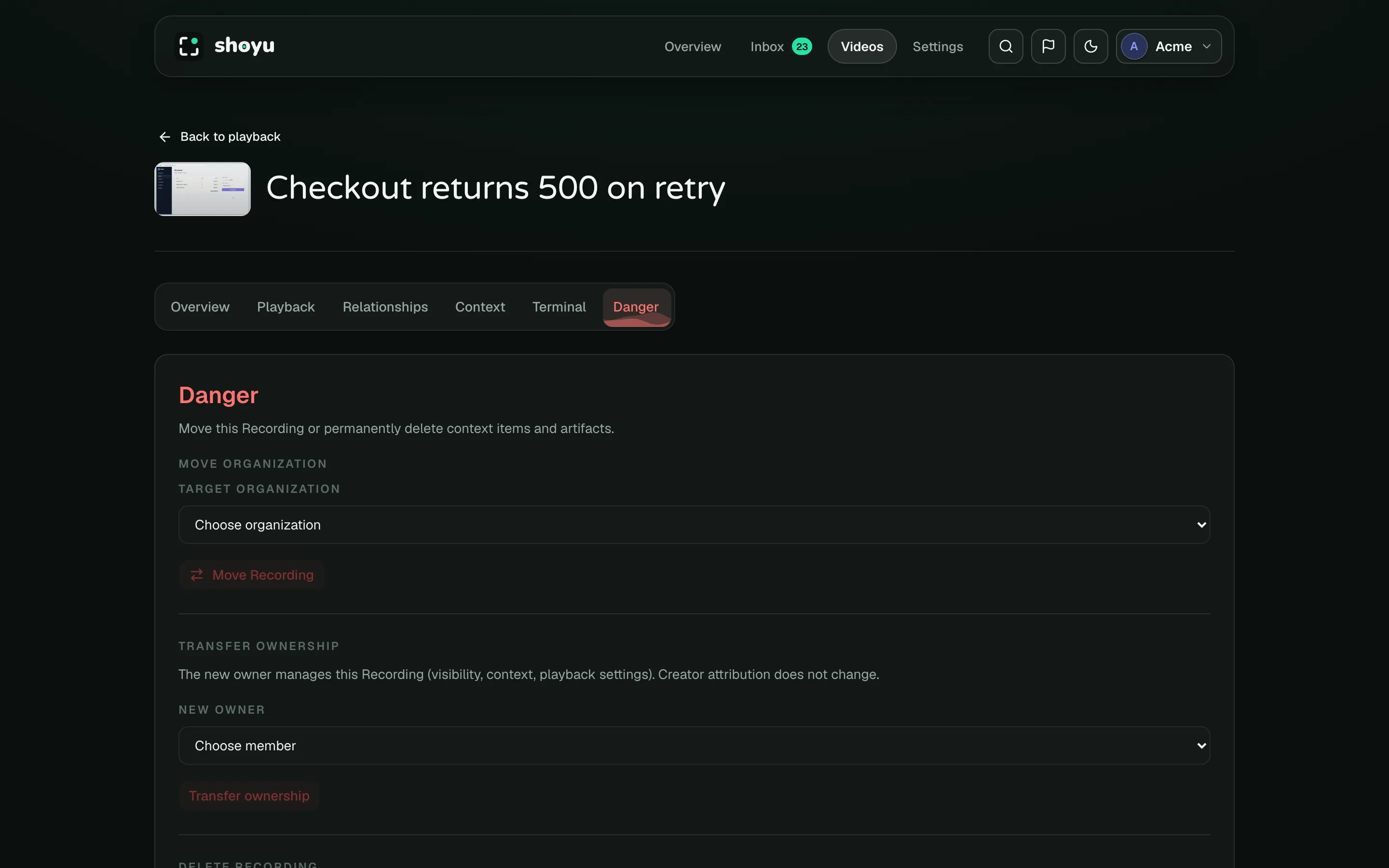
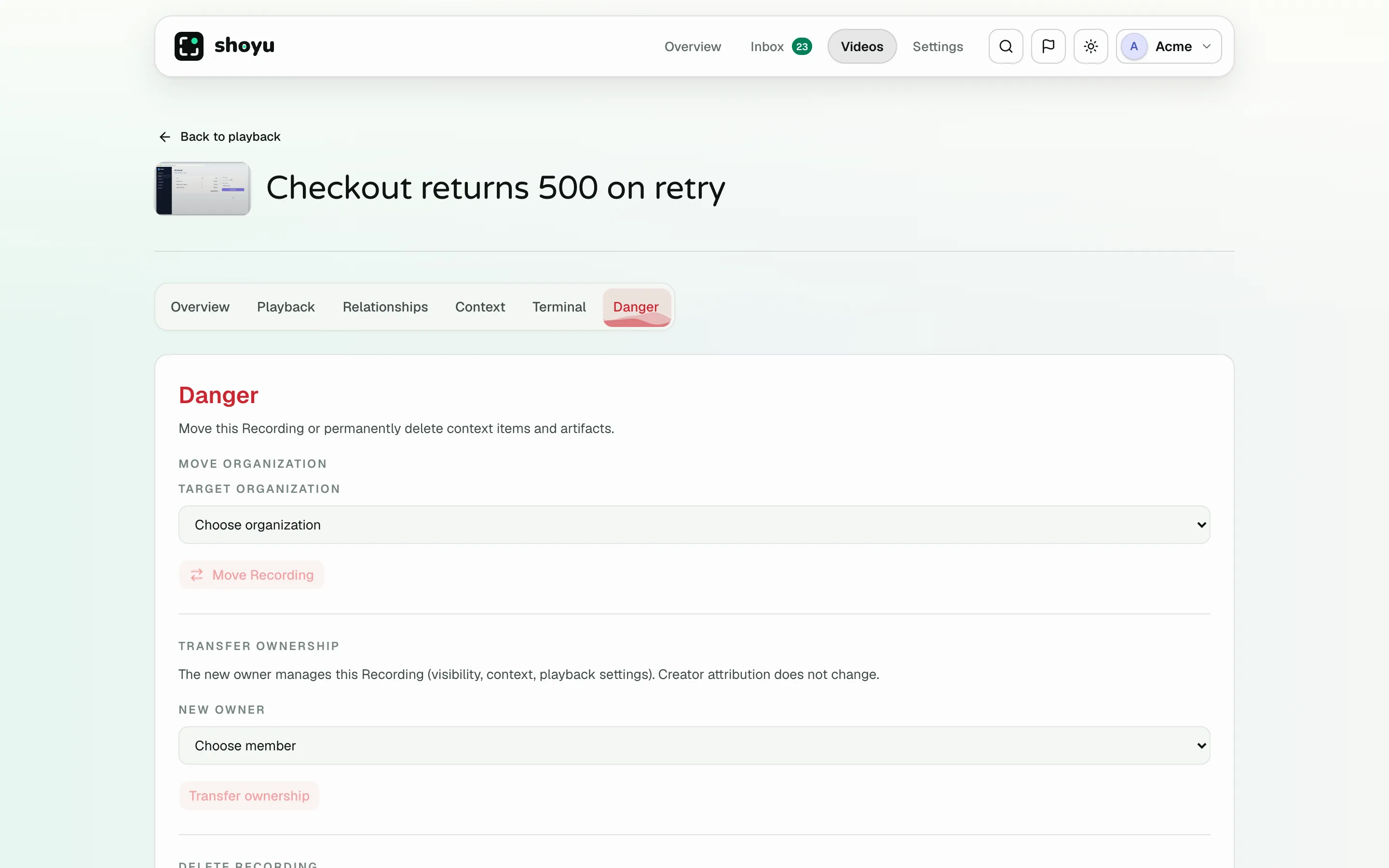
On the Playback page, click Configure video and open Danger.
Move to another organization
- Under Move organization, choose the Target organization.
- Read the preview. It shows the visibility and hosting period after the move, and anything that will be removed.
- Tick each box to confirm, then click Move Recording.
Transfer ownership
Under Transfer ownership, choose the New owner and click Transfer ownership. The recording still shows who created it.
Delete a recording
Under Delete recording, tick the box and click Delete recording. The recording leaves the library for everyone, and Videos opens with the Deleted status so you can see it there.
You have a day to change your mind in a Personal space, and 30 days in a team organization, where the organization’s owners can recover it too. After that, its video, transcript, comments and context are deleted for good.
Deleting on the web does not touch the copy on your Mac. To remove that too, see Use the Library on your Mac.
Delete many recordings
- Open Settings › Danger in the dashboard.
- Under Manage videos, narrow a long list if you need to: search by title, or pick a tag, an owner or a status.
- Tick the recordings to delete, or use Select all.
- Click Delete selected, or Delete all. With a filter on, the button reads Delete all shown and deletes only the recordings in the list.
- Check the summary of what goes: how many recordings, how much video, and their comments and views.
- Type the word Shoyu shows you to confirm.
Changing a filter clears the ticks on recordings it hides, so you only delete what you can see.
You can delete your own recordings. Owners and admins can delete any recording in the organization.
Recover a deleted recording
- In Videos, open Status and tick Deleted.
- Open the recording. Its transcript, comments and chapters are there to read, but the video doesn’t play.
- Click Recover recording. It goes back in the library as it was, video included.
A banner above the title says when the recording will be deleted for good. You can recover your own recordings. Owners and admins can recover any recording in the organization.
Related guides
Still stuck? Write to hello@shoyu.cc. A person answers.