Manage tags for your organization
Create, rename, merge and delete the tags everyone in your organization uses.
Edit tags
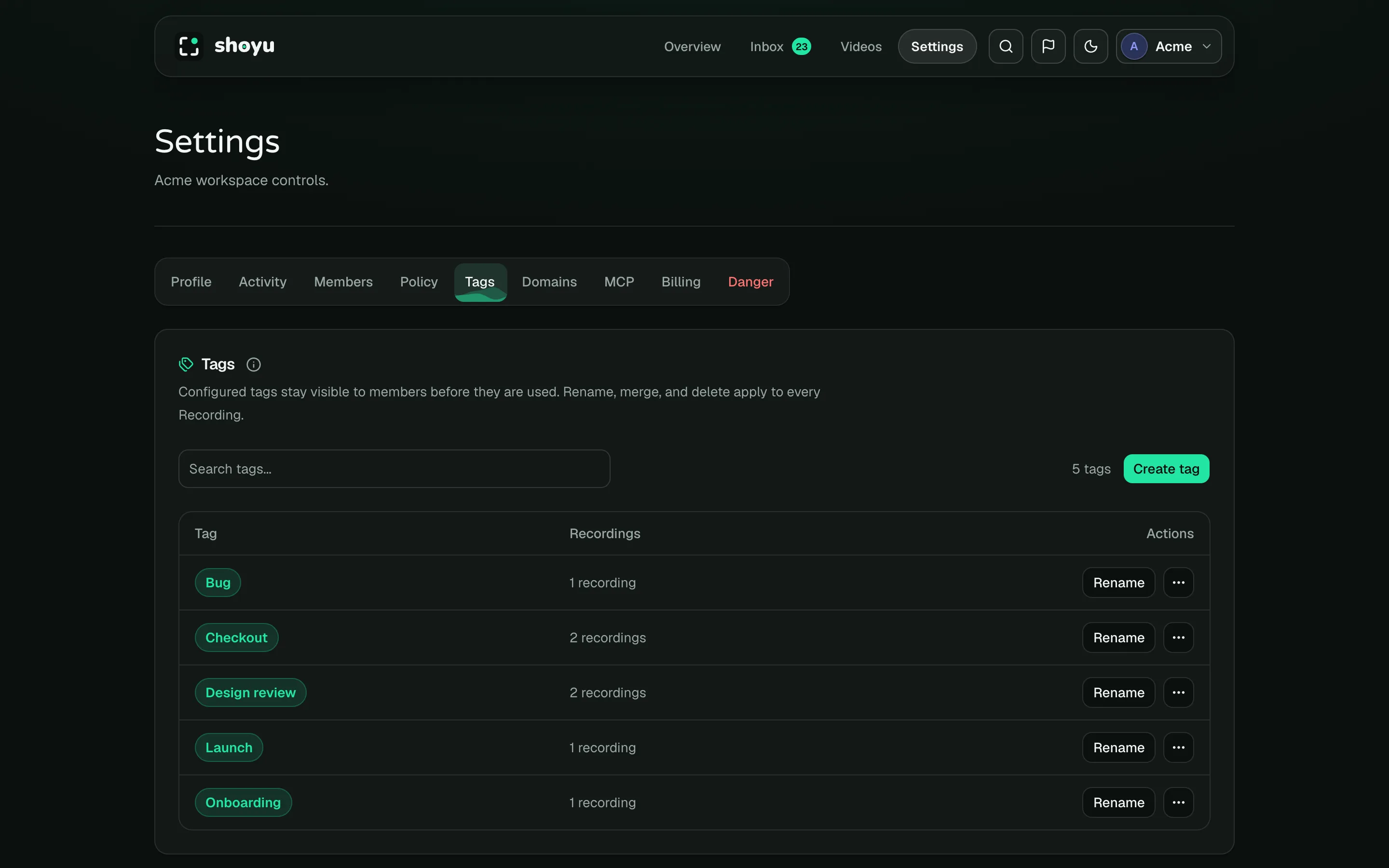
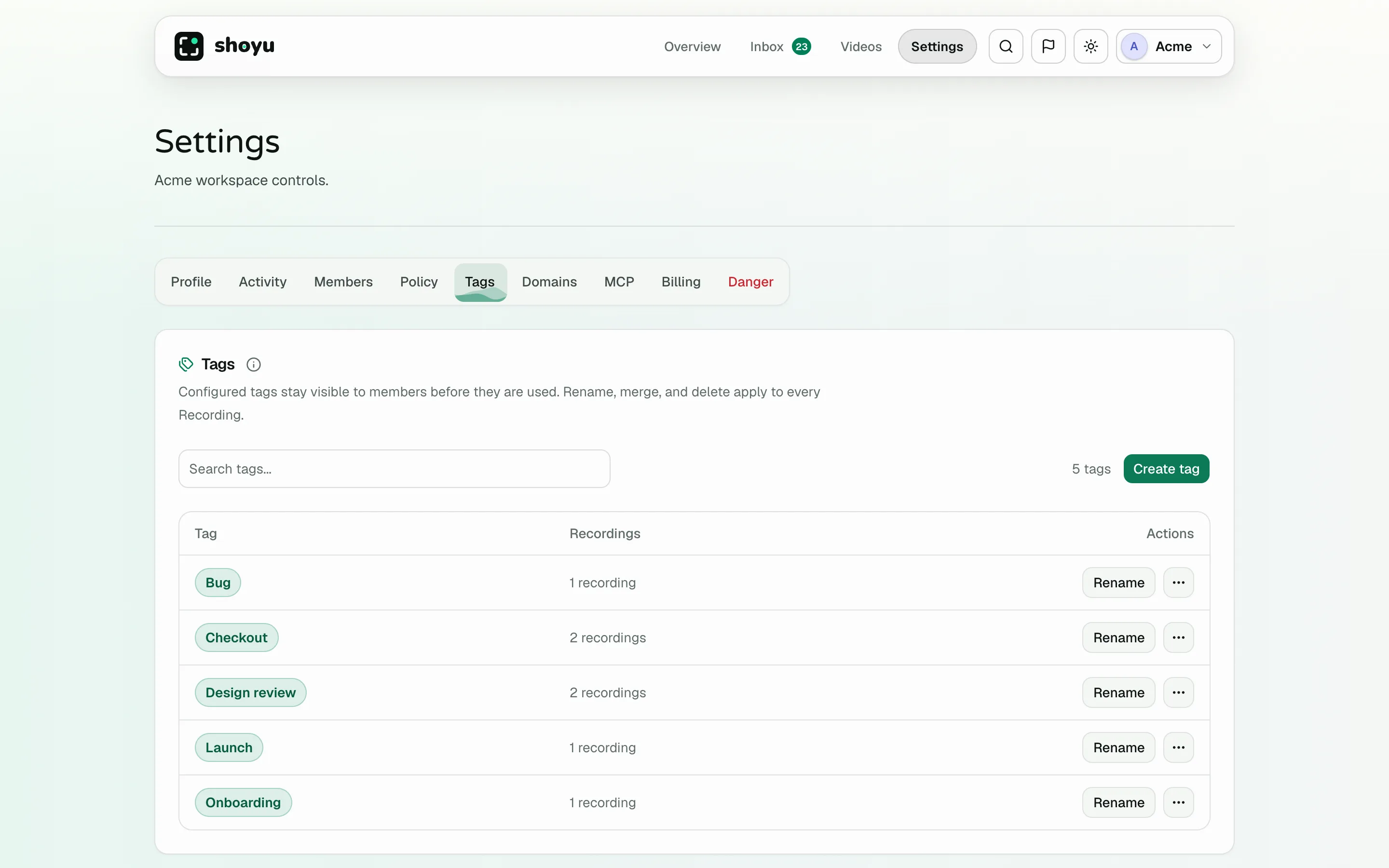
Owners and admins can open Settings › Tags. Changes apply to every recording.
- Click Create tag to add a tag before anyone uses it.
- Click Rename to change a tag’s name.
- Open More actions and choose Merge into… to combine two tags.
- Open More actions and choose Delete tag to remove it from every recording.
Tag names ignore capital letters. Renaming a tag to a name that exists asks you to confirm a merge.
Who can tag recordings
By default, every member can add and remove tags on recordings. Owners and admins can limit this with Members can modify recording tags in recording policy.
Related guides
Still stuck? Write to hello@shoyu.cc. A person answers.