Find your way around the dashboard
Use Overview, Inbox, Videos and Settings, switch organizations, and open quick actions.
The header
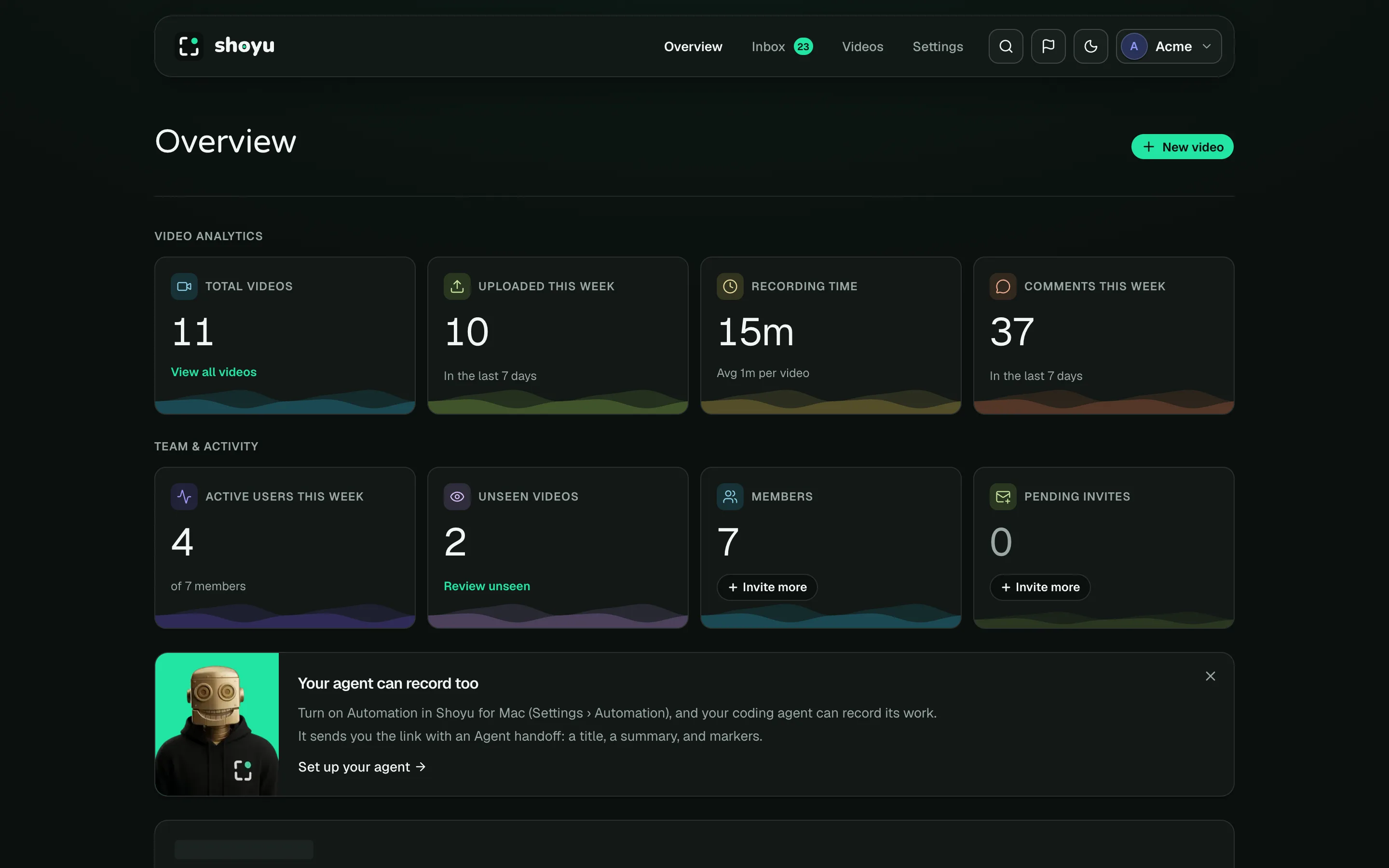
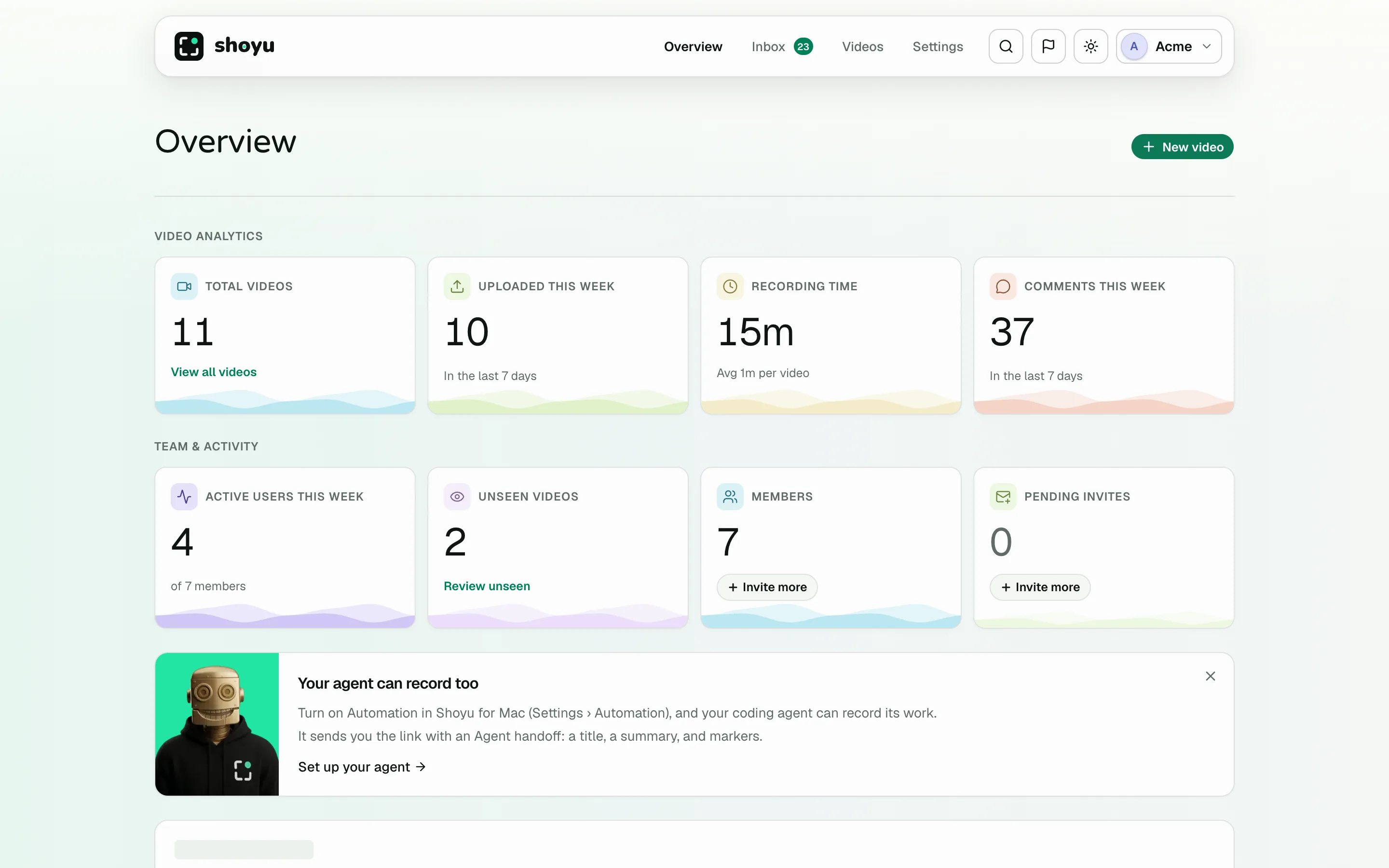
- Overview shows numbers for your organization and recent activity.
- Inbox holds your notifications. See Use your Inbox.
- Videos lists every recording you can see. See Find recordings.
- Settings holds the organization’s settings.
On the right are search and quick actions (⌘K), Report a bug or idea, the theme switch and your account menu.
Overview
The top cards count your videos, uploads this week, recording time and comments. Team organizations add active users, unseen videos, members and pending invites. Click Review unseen to see recordings you have not watched.
Activity lists recent uploads, comments, moves and organization changes. Use All, Videos and Org Activity to filter it.
Click New video to open the recorder on your Mac. If Shoyu is not installed, it takes you to the download page.
Quick actions
Press ⌘K and start typing to jump to a video, a page or an action, such as Invite members or Open Recorder.
Open a help guide from the dashboard
Open the account menu at the top right and choose Help guides to search every guide.
Some pages have an ⓘ beside a heading or in the toolbar, such as Recording policy in Settings and the top of Studio. Point at it to see which guide it opens. Click it to read that guide in a new tab, so your page stays open.
Banners
One banner shows at a time, such as when your Personal space is almost full or a payment needs attention. Each one says what to do next.
Related guides
Still stuck? Write to hello@shoyu.cc. A person answers.