Take the Getting started tour
Tell Shoyu your role, watch a 60-second overview and download the Mac app from the dashboard tour.
Go through the tour
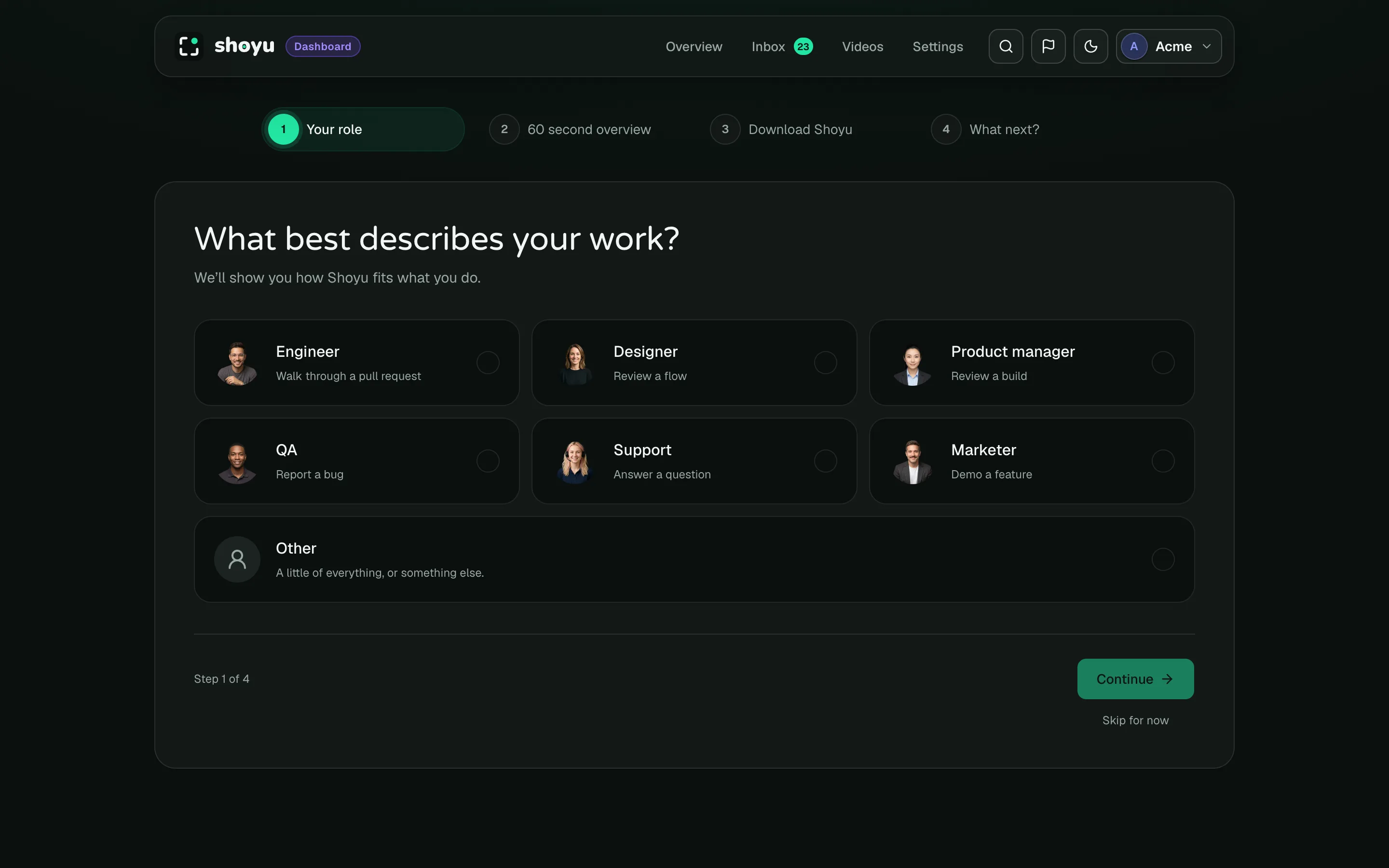
New accounts open the tour the first time they visit the dashboard. It has four short stages.
- Under Your role, choose what best describes your work. Shoyu uses it to suggest what to record.
- Watch the 60 second overview. It has captions, so you can watch with the sound off.
- Under Download Shoyu, click Download for Mac. If you have the app already, click Already installed? Open Shoyu.
- Under What next?, pick an idea for your first recording. If you joined a team, you see its newest videos instead.
Use Continue and Back to move between stages. The last button takes you to your dashboard.
The last stage also says where to find these help guides later: choose Help guides in the account menu at the top right.
Come back to it later
Click Skip for now to leave the tour. To return, open the account menu at the top right and choose Continue onboarding, or Getting started once you have finished.
Related guides
Still stuck? Write to hello@shoyu.cc. A person answers.