Change speed and volume
Speed up slow parts and turn the volume of any section up, down or off.
Speed up a section
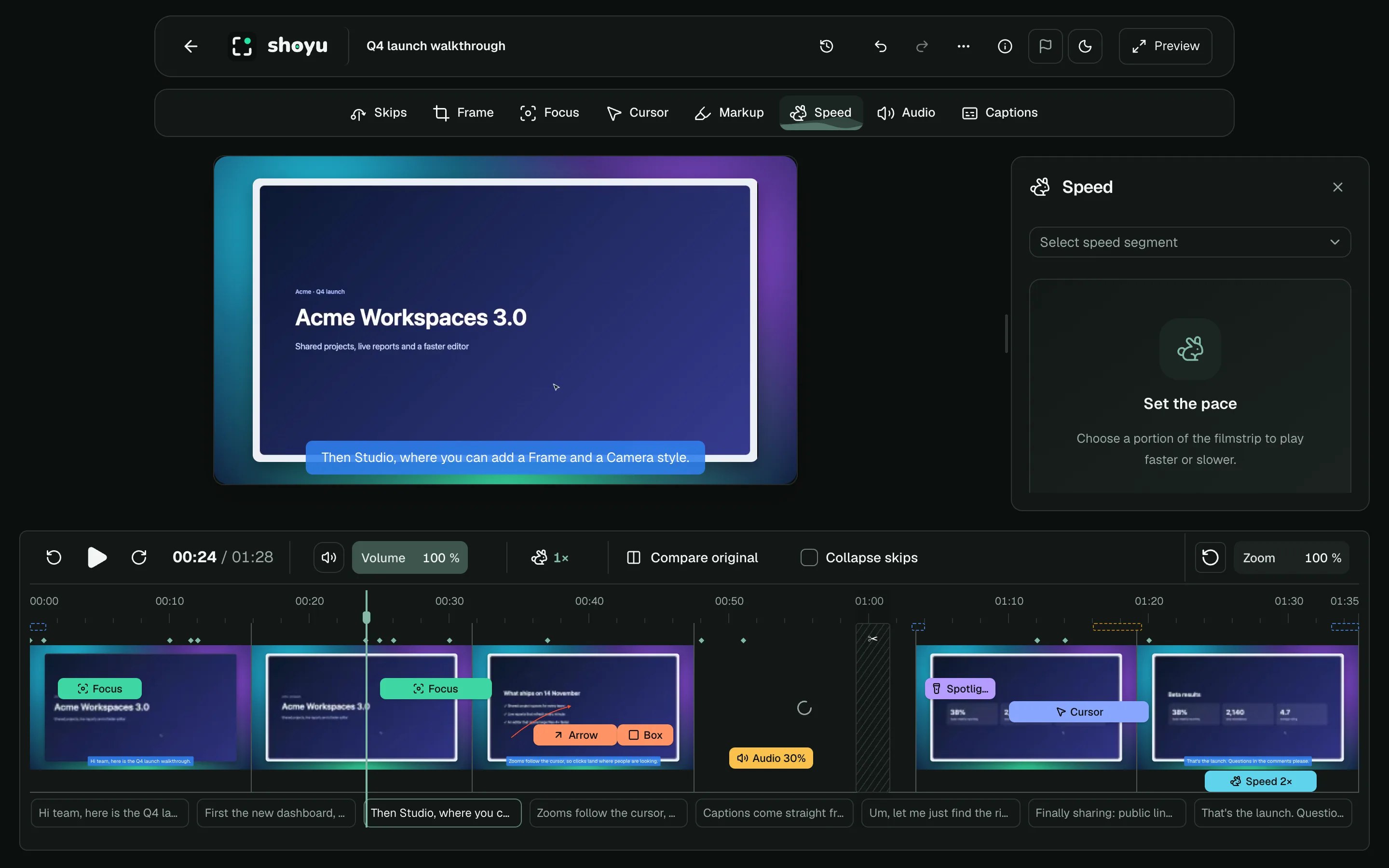
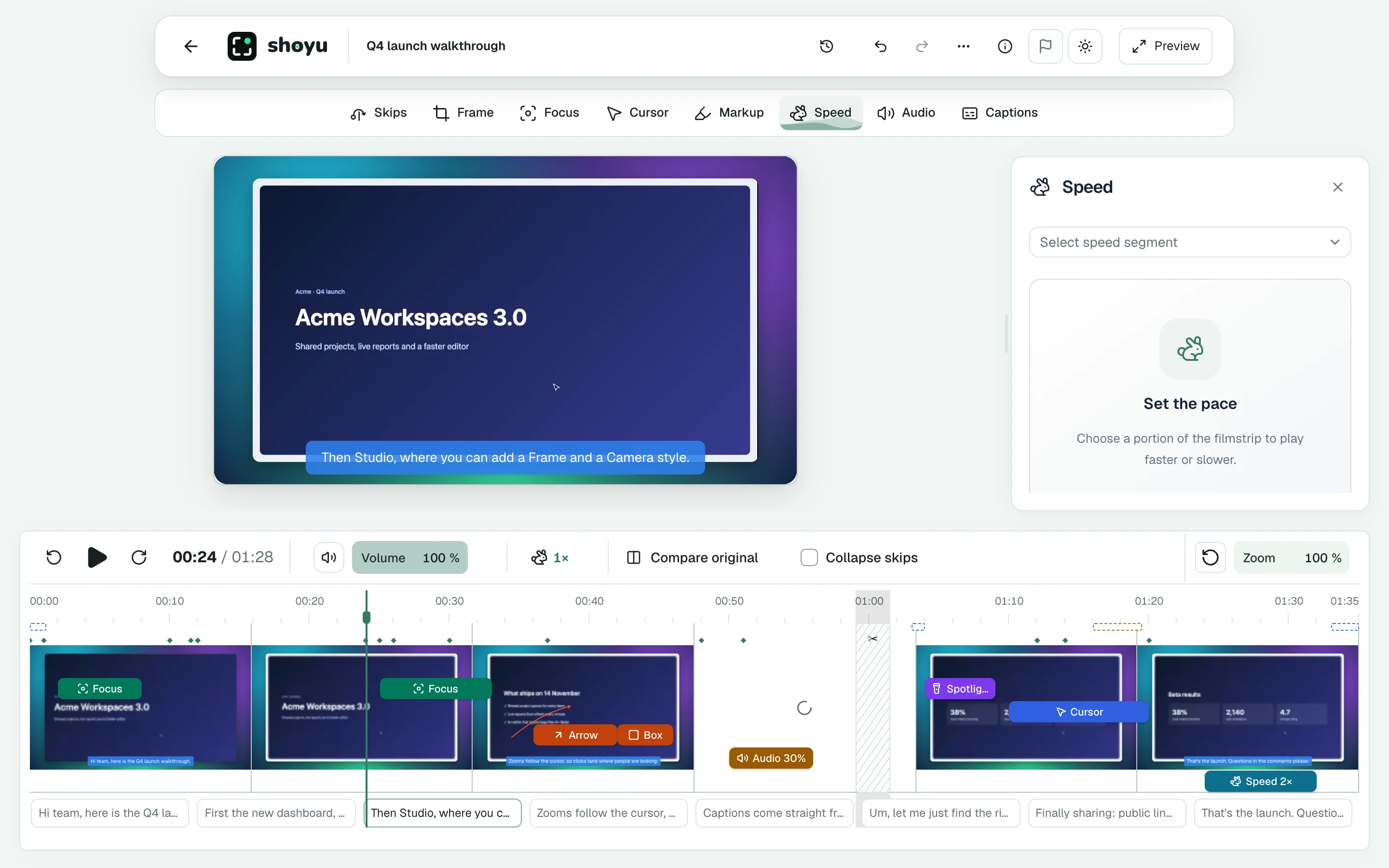
- Select a range on the filmstrip and choose Speed.
- Pick 50%, 100%, 150%, 200% or 400%, or drag the slider from 0.25× to 4×.
The panel shows the section’s original length and how long it plays in.
Change the volume
- Click Audio, then Add section.
- Set the range, then choose Mute, 50% or 100%, or drag Section volume.
Recordings without sound show No audio recorded.
Related guides
Still stuck? Write to hello@shoyu.cc. A person answers.