Comment on a recording
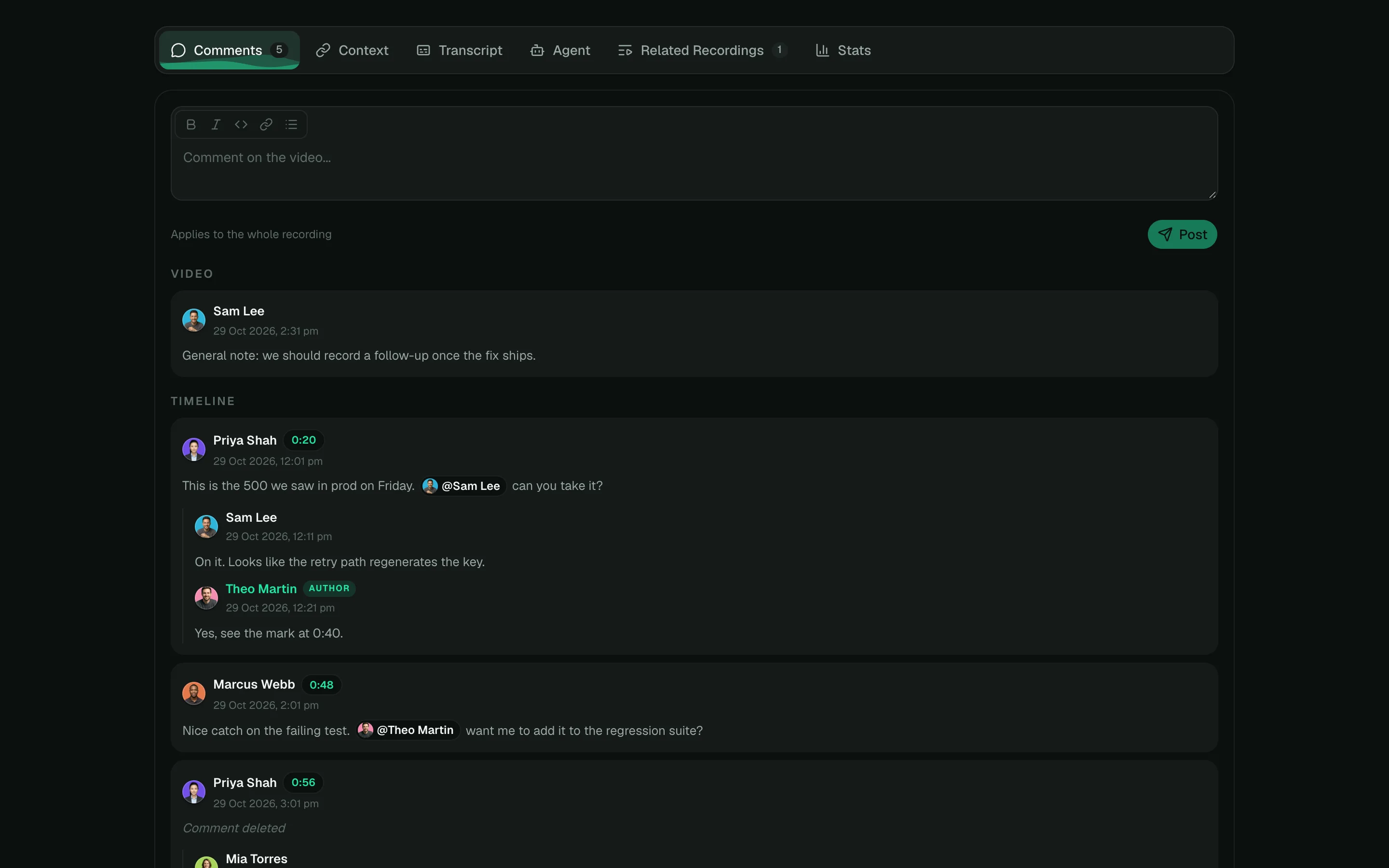
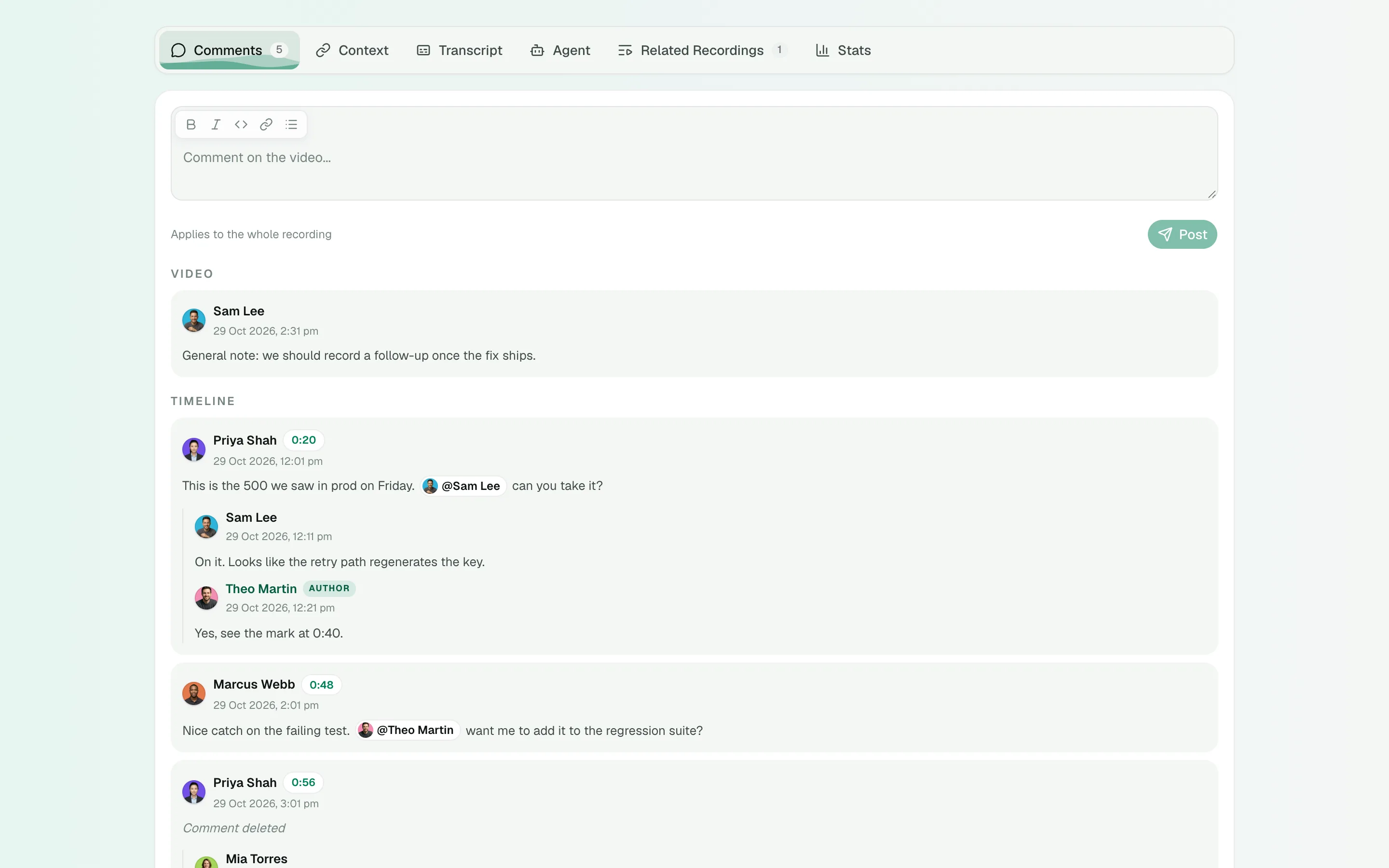
Leave comments on an exact moment or the whole recording, reply, mention teammates and resolve threads.
Comment on a moment
- Play the recording to the moment you want to talk about.
- Click Comment at under the video. The video pauses and the comment takes that time.
- Type your comment and click Post.
Your comment appears at once, marked Sending… until it is saved. If it fails, click Retry or Discard. Comments show as markers on the timeline.
Comment on the whole recording
Open the Comments tab and write in the box at the top. Use the toolbar, or ⌘B, ⌘I and ⌘E, for bold, italic and code.
Mention someone
Type @ and choose a teammate. They get an Inbox notification and an email. Hover a name to see their member card.
Reply, edit and delete
- Hover a thread and click Reply.
- Edit your own comment from its menu. Edited comments say (Edited).
- Delete your own comment from its menu. Click Undo within five seconds if you change your mind.
- Recording managers can delete anyone’s comment.
Resolve a thread
When a thread is done, click Resolve. Resolved threads are hidden and their timeline markers fade. Click Show resolved to see them, and Reopen to bring one back.
Who can comment
Anyone who is a member of the recording’s organization and can watch it. People watching a Public link see comments but cannot add them.
Comment on a public recording
When a recording is Public, anyone with its link can read its comments and replies, signed in or not. Your name and picture show beside what you write.
So you do not post something meant only for your team by mistake, the comment box shows You are commenting on a public video beside the formatting buttons while you type.
- Keep private details, such as customer names, passwords and internal links, out of comments on a Public recording.
- To keep the conversation inside your organization, ask the recording’s owner or an admin to change its visibility to Organization. Comments stay where they are and only members can read them.
Related guides
Still stuck? Write to hello@shoyu.cc. A person answers.