Sign in to your account
Sign in to the Shoyu website with Google or your email, create an account, and reset a forgotten password.
Sign in
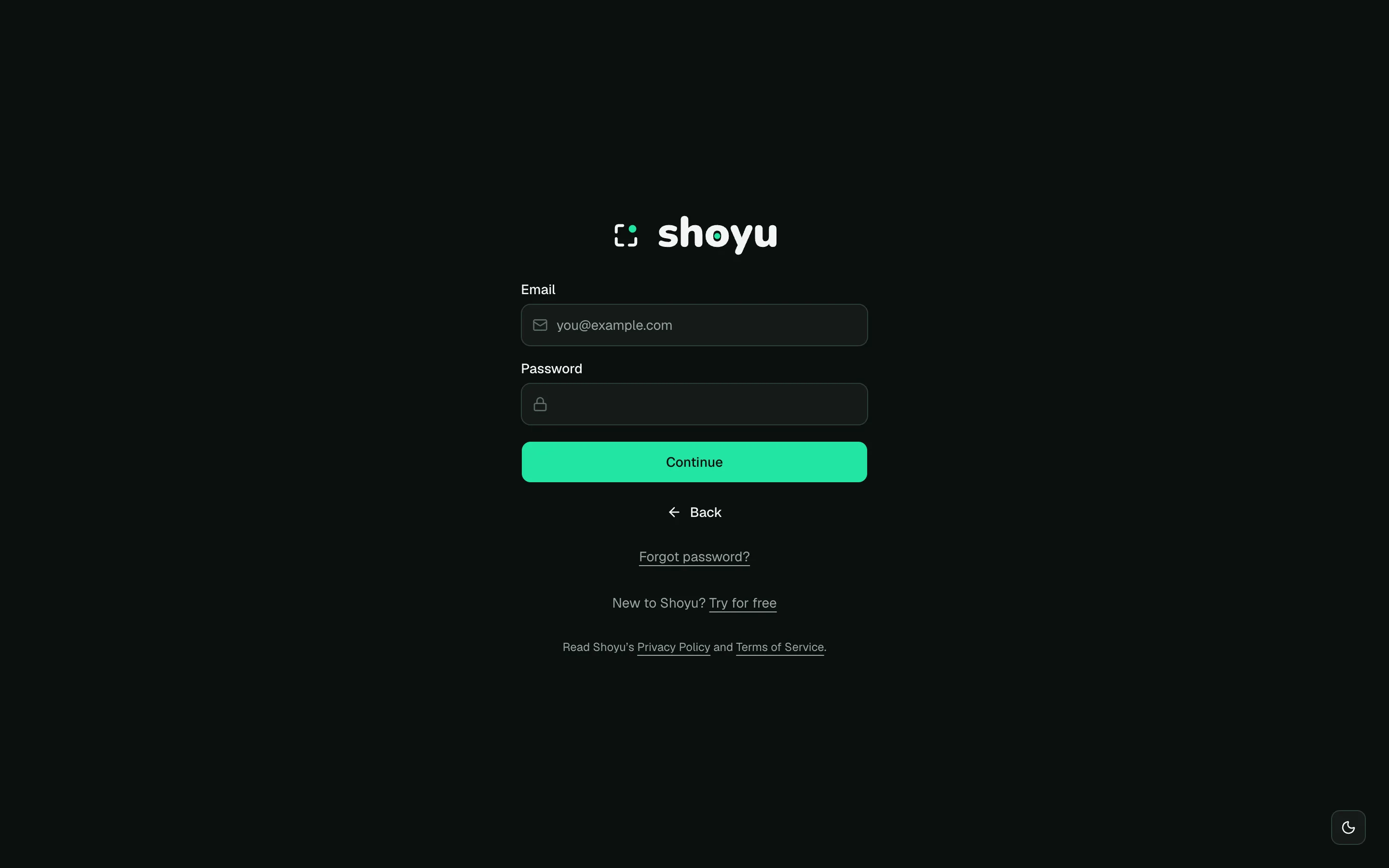
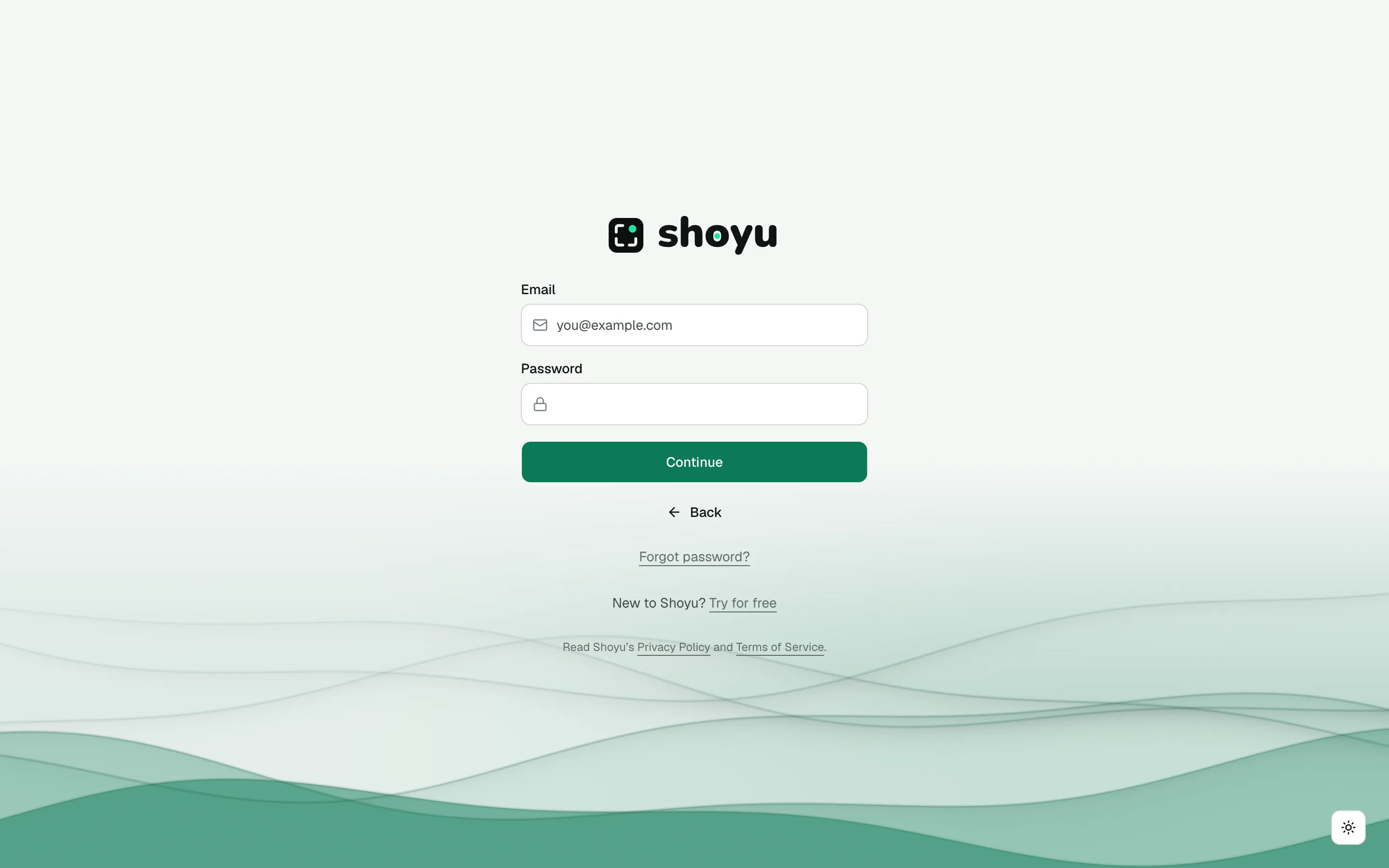
- Go to shoyu.cc and click Sign in.
- Click Continue with Google and choose your work account. Or click Email, enter your email and password, and click Continue.
Shoyu opens your dashboard. The first time, it starts the Getting started tour.
Create an account with your email
- On the sign-in page, choose to create an account. If you came from an invite, the page says Join your team on Shoyu.
- Enter the email address your access or invite was sent to, and a password of at least 8 characters.
- Click Create account.
- Open the verification email and click its link. The link works for 24 hours.
Next, Shoyu asks for your name and a colour in the Complete sign up dialog. Your colour marks you on comments and avatars.
Reset a forgotten password
- On the email sign-in panel, click Forgot password?.
- Enter your email and click Send reset link.
- Open the email and click the link within one hour.
- Enter a New password and click Update password.
Resetting your password signs you out everywhere, including other browsers.
If sign-in does not work
| What you see | What to do |
|---|---|
| You’re not on the list yet | Your address does not have access yet. Ask for access, or use the address your invite was sent to. |
| We could not sign you in with those details | Check your password, reset it, or use Continue with Google. |
| Too many attempts | Wait a few minutes, then try again. |
| A link that is invalid or expired | Ask for a new verification or reset email and use the newest one. |
Related guides
Still stuck? Write to hello@shoyu.cc. A person answers.