Explore the context in a recording
See the moments, pages, code, network requests and terminal sessions Shoyu recorded, and jump to each one.
The Events rail
Beside the player, the Events tab lists every moment in order: app switches, pages, code, marks and chapters. The current one is highlighted. Click any moment to jump to it.
Click Show all context for a full view with tabs for Summary, Chapters, Code context and more.
The Context tab
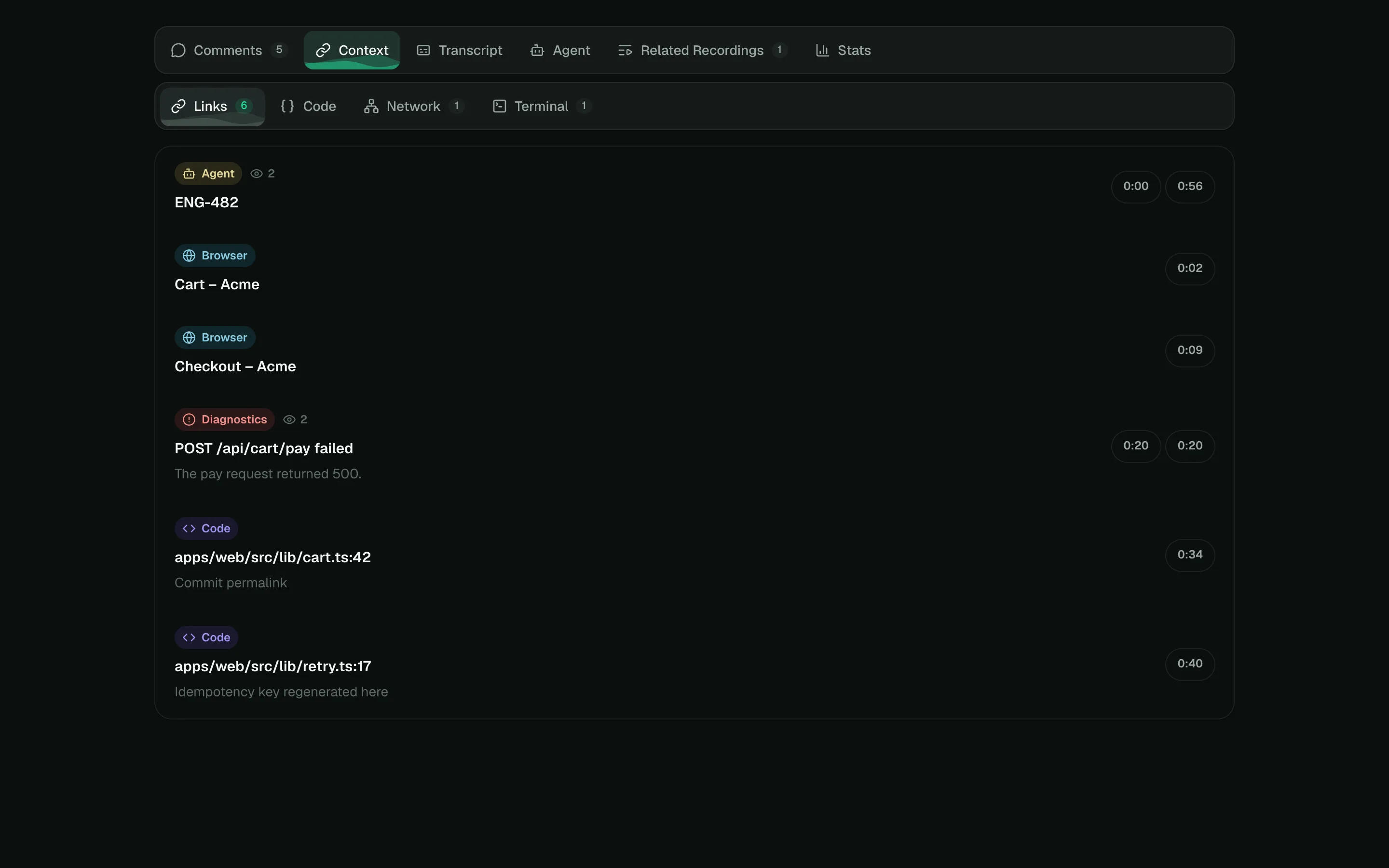
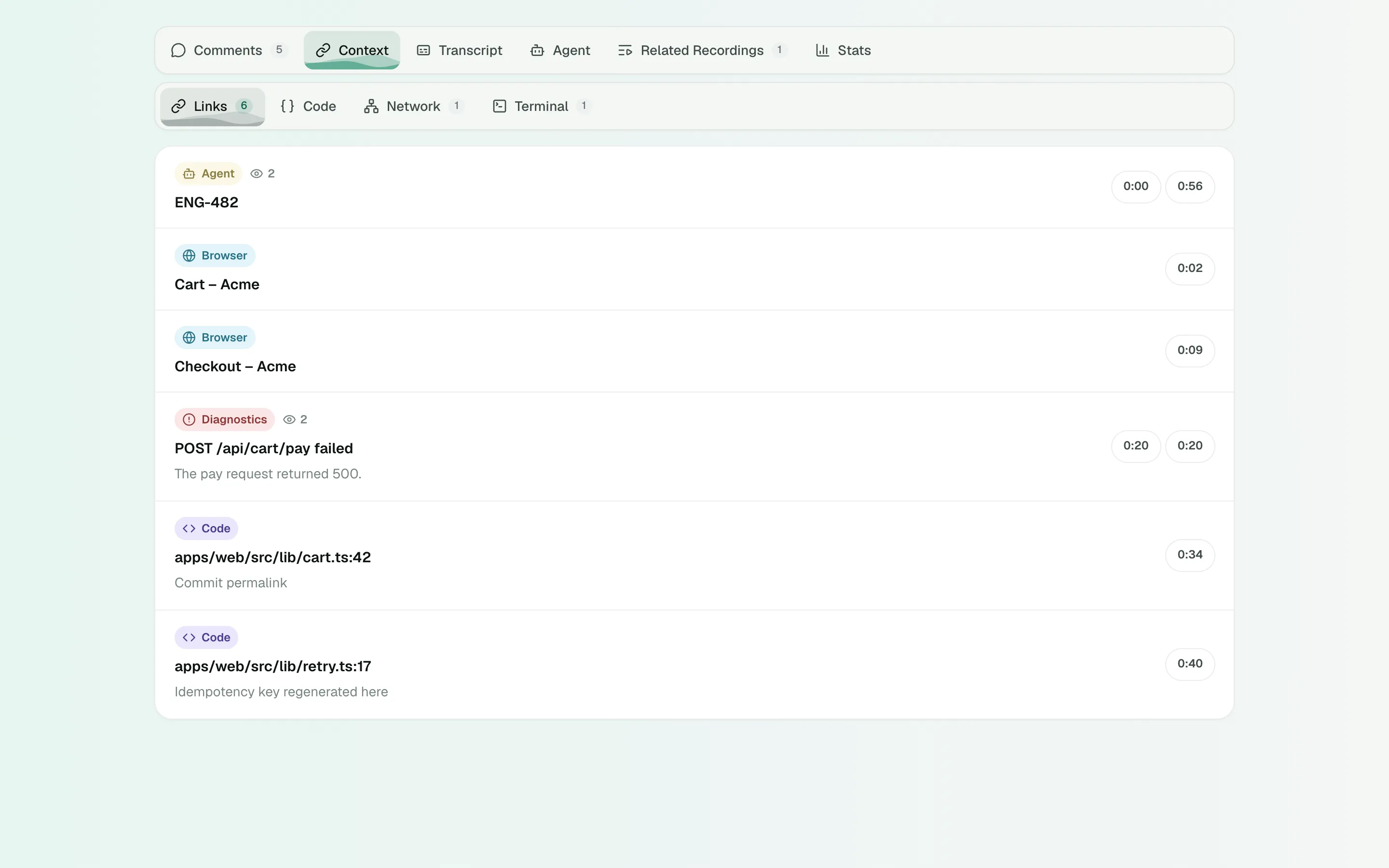
Below the player, the Context tab groups what Shoyu recorded.
| Tab | What it shows |
|---|---|
| Links | Every page and link from the recording. Repeats show how many times they appeared. Linear, Figma and Notion links open in their apps. |
| Code | Files and lines from the IDE extension. View source shows the file beside the video when the repository is on GitHub and connected. |
| Network | Requests from Deep Context, with search and an Errors filter. Click a request to jump to it. Members only. |
| Terminal | Terminal sessions to replay or download. See Replay a terminal session. |
Recordings of an iPhone or iPad add a Device tab with Logs, Crashes, Apps, Performance, and Heat & Battery.
Agent handoff
When an AI agent made the recording, the Agent tab shows its summary, links and markers.
Copy a link to a moment
Each context card has Copy deep link. The link opens the recording at that moment. See Link to a moment.
Hide or delete context
Recording managers can open Configure video › Context to hide a whole category from viewers with Visible to viewers, hide or restore single items, or Delete all of one kind.
Related guides
Still stuck? Write to hello@shoyu.cc. A person answers.