Zoom in with Focus
Zoom into an app, follow the cursor, or spotlight one area so viewers look where you want.
Add a focus
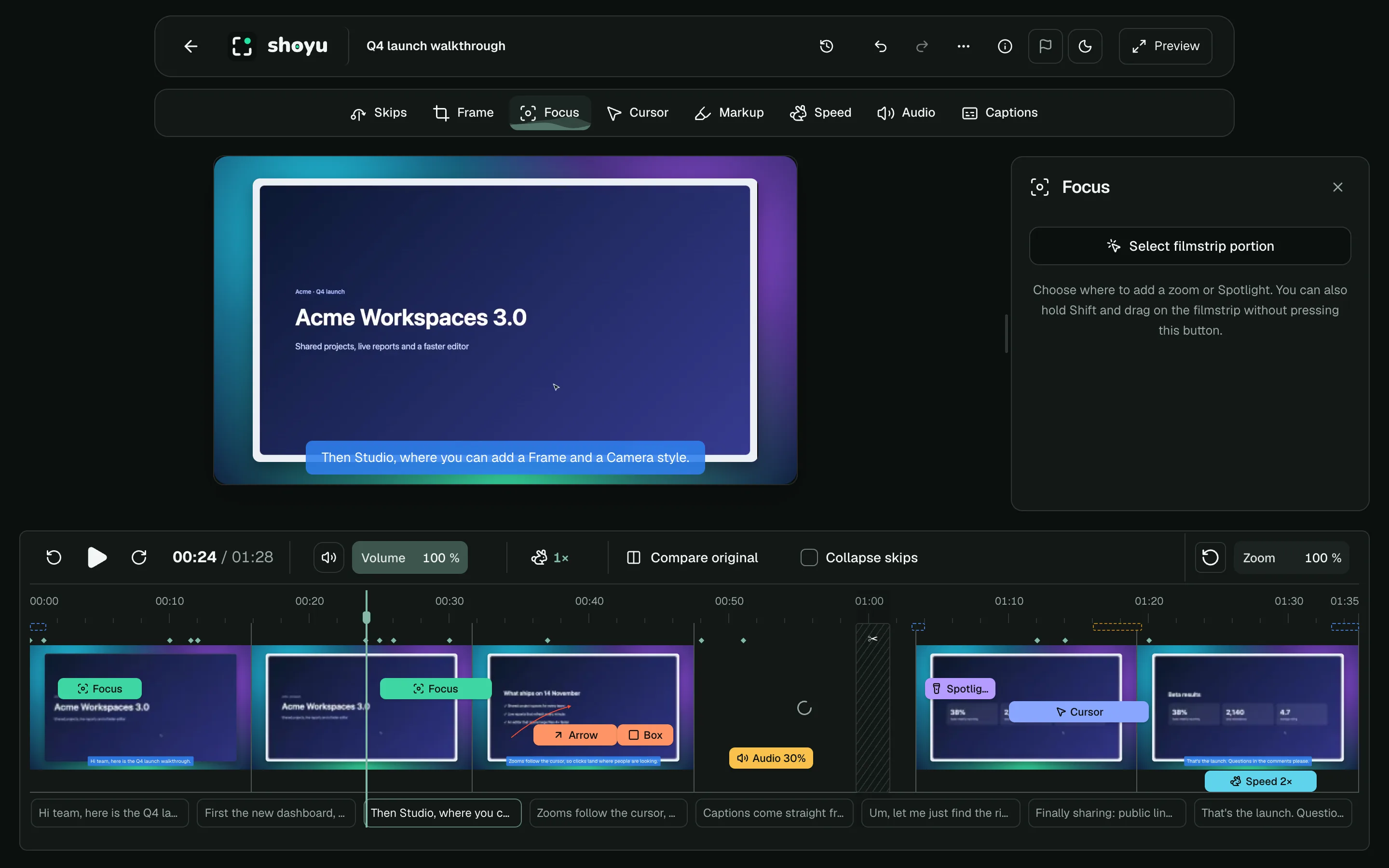
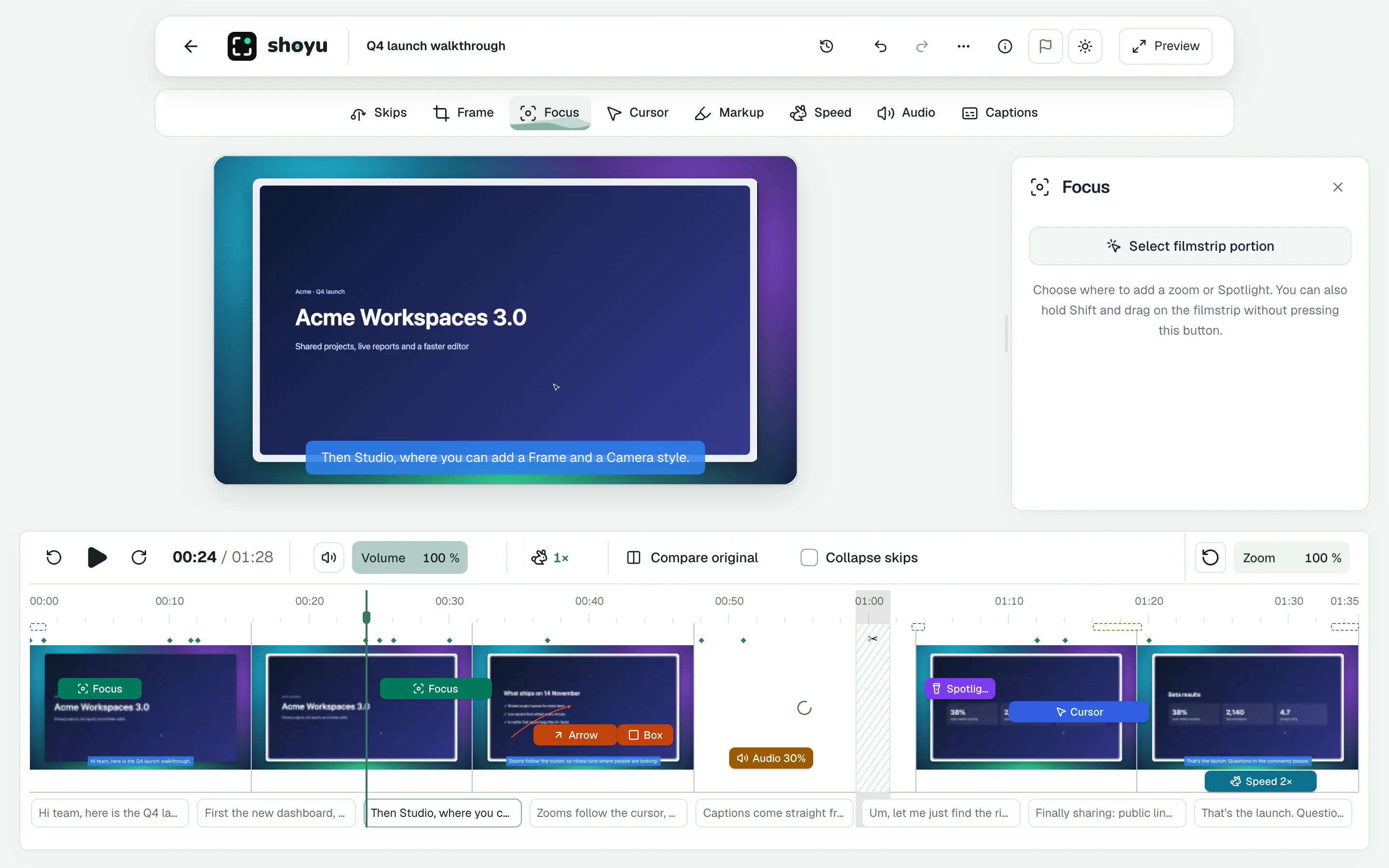
- Select a range on the filmstrip and choose Focus, or click Focus in the tool rail.
- Choose what to focus on: App region, Follow cursor or Spotlight.
- Draw the area, then click Apply focus or Apply spotlight.
Fine-tune it
- Around the focus sets what happens outside it: Blur, Dim, Backdrop or Show.
- Keep cursor centered keeps the pointer in the middle while following it.
- Spotlights can be a Rectangle or a Circle, with a vignette.
- Transitions set how long the zoom takes to start and end.
Click Edit focus to change one, or Add focus for another.
Related guides
Still stuck? Write to hello@shoyu.cc. A person answers.