Save a smart collection
Save a search or a set of filters as a smart collection. New recordings that match appear in it on their own.
Save a smart collection
- Click Videos in the dashboard header.
- Search, or pick filters such as a tag, a creator, code or a posted date.
- Under Smart collections, click Save as smart collection.
- Check what it includes and name it.
- Under Who can open it, pick everyone in your organization or Only me.
- Click Save collection.
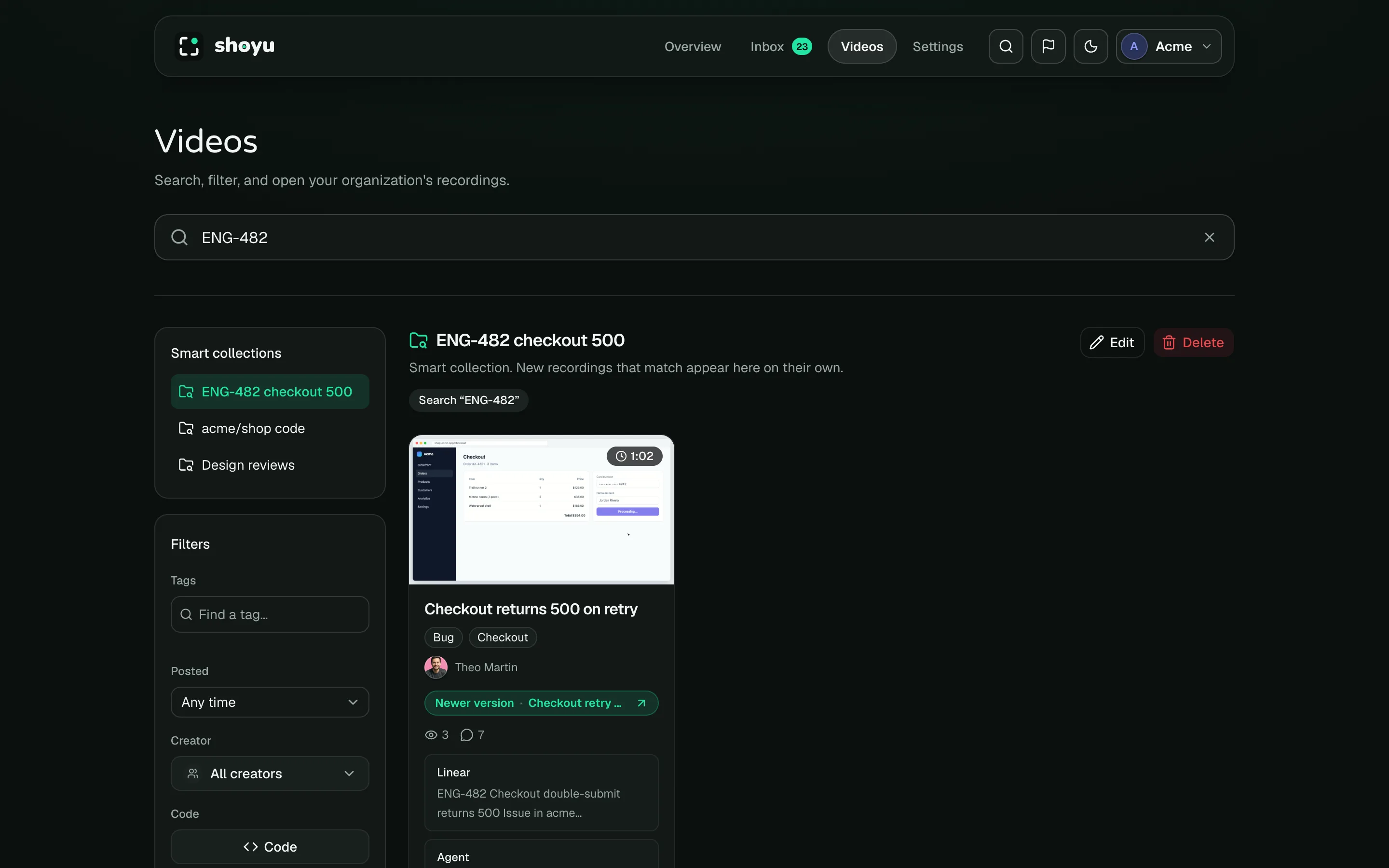
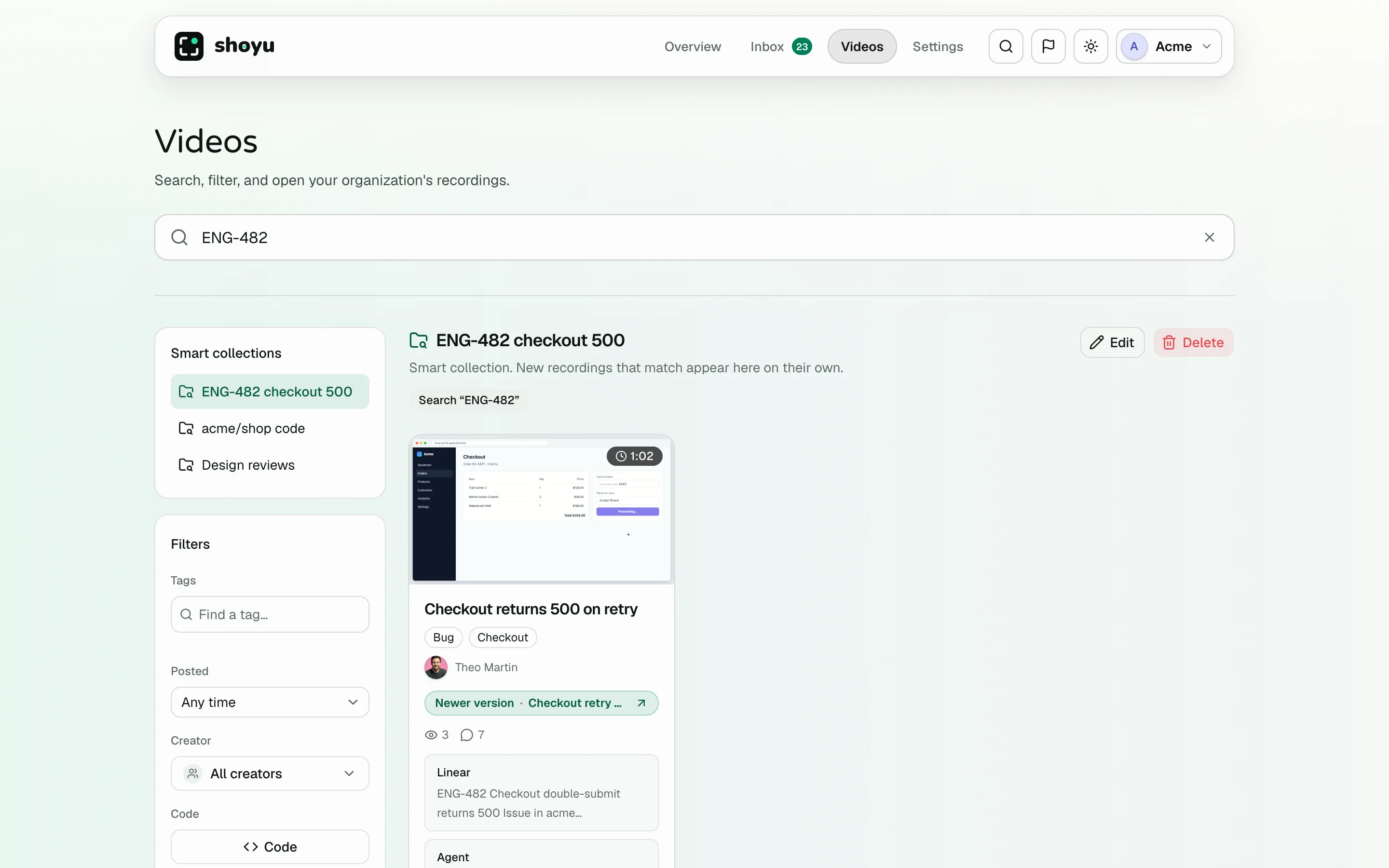
The collection opens. Its name is listed under Smart collections, and its search and filters show above the recordings. A lock marks a collection only you can open.
In your Personal space there is no choice to make: every collection there is yours alone.
Choose what it collects
| To collect recordings that | Use |
|---|---|
| Mention an issue, such as ENG-142, a page or a link | Search for the issue ID, the page title or the address |
| Had a repository, file or branch open in your editor | Code |
| Ran a terminal command | Search for the command |
| Have one or more tags | Tags, with Any or All |
| Someone made | Creator |
| Were posted recently | Posted, such as This week |
This week, This month and the other Posted choices move with the calendar, so the collection keeps showing the latest recordings. A date range stays fixed.
Who sees a collection
A shared collection is listed for everyone in the organization. A collection saved with Only me is listed for you alone: other members, owners and admins never see it. Either way, each person sees only the recordings they can already watch, so a Private recording stays with the people who can open it. A shared collection that uses a tag you cannot see is not listed for you. If you leave the organization, or are removed from it, your Only me collections there are deleted; shared ones stay.
Edit or delete a collection
Open the collection and click Edit to rename it or change who can open it, or Delete to remove it. Deleting a collection leaves its recordings as they are.
The person who saved a collection can always edit and delete it. Owners and admins can also rename and delete a shared one. Only the person who saved it can change who can open it.
To change what a collection matches, open it, change the search or filters, and save the result as a new collection. Then delete the old one. An organization can have up to 50 shared smart collections, and each person can also have up to 50 private ones.
Turn smart collections off
Owners and admins can turn smart collections off for everyone with Allow smart collections in recording policy. The list and Save as smart collection disappear from Videos, and a link to a collection opens an empty page. Nothing is deleted, so turning it back on brings every collection back.
Related guides
Still stuck? Write to hello@shoyu.cc. A person answers.